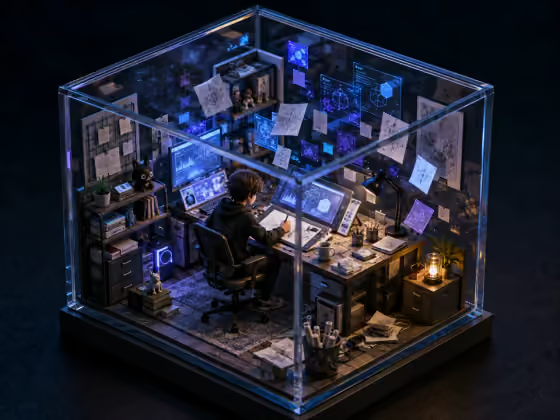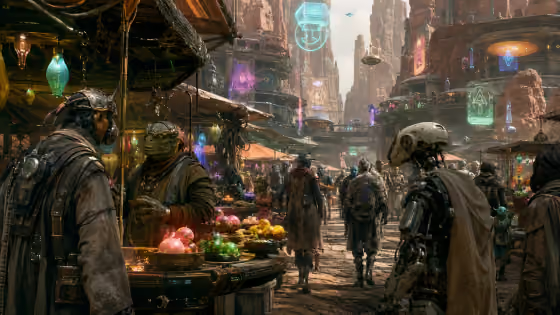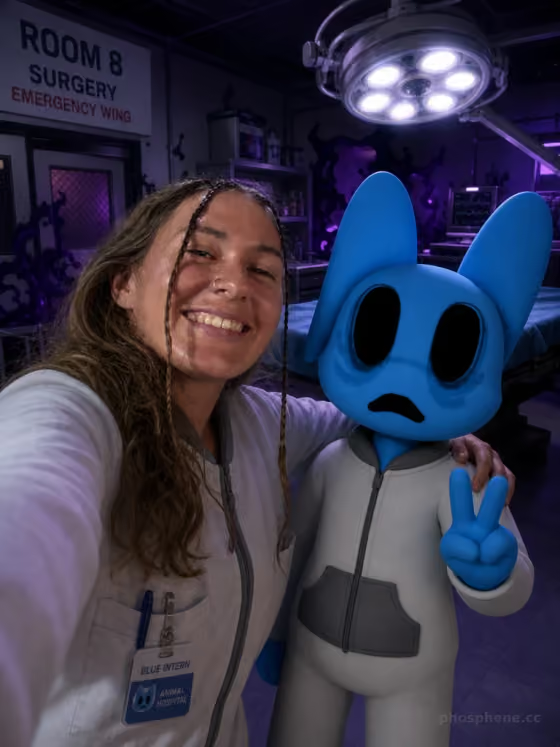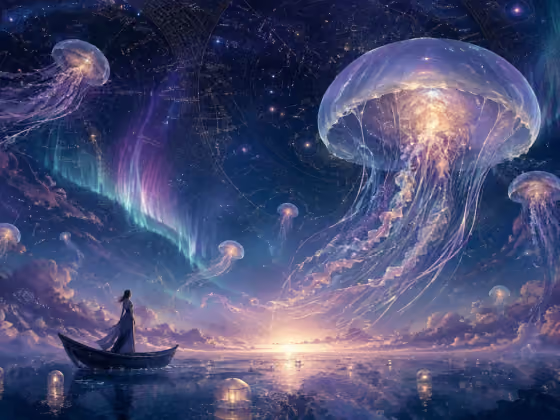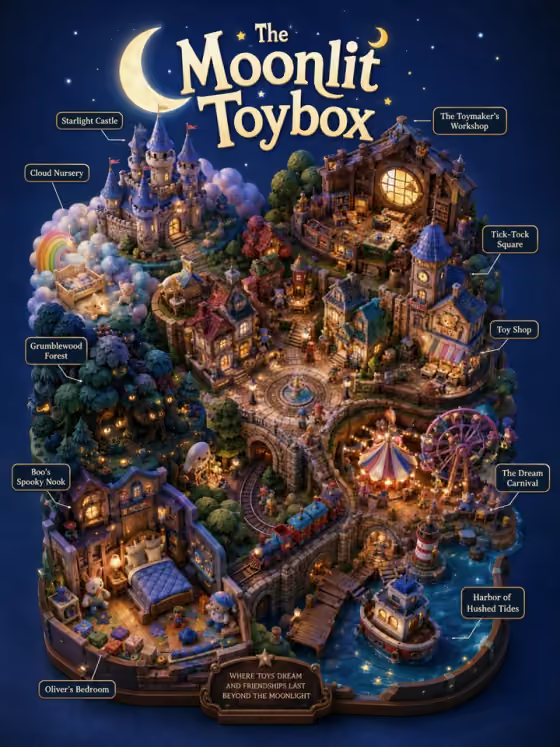
Movie Diorama turns a single movie title into a dense, collectible-style miniature world. You get a vertical 3:4 image shot from a 45 degree top-down isometric angle, with the movie's major locations packed into one connected scene, a title across the top, and small wireframe labels naming the key places.
It suits anyone who likes worldbuilding, fan-style posters, or shelf-ready concept art. You only type a movie name and pick a render style, so it works well for invented titles, story pitches, or playing with ideas for a film that does not exist yet.
What works best as input
- This template has no photo upload. Everything comes from the Movie name text field and the Render style choice.
- The help text suggests a short invented title so the scene can infer locations and mood. A title like "The Moonlit Toybox" or "Clockwork Orchard" already hints at settings, which gives the diorama more to build zones from.
- Pick titles that suggest several places or a clear mood, such as "Neon Rain Express" or "The Floating Hotel". The cover shows how a title like "The Moonlit Toybox" grows into a castle, a workshop, a carnival, a harbor and more.
- Keep the title short. A few evocative words usually give the scene a cleaner title banner and more readable labels.
How to use it
- Open the Movie Diorama template in Phosphene.
- Type your title into the Movie name field, for example The Moonlit Toybox or Desert Signal.
- Choose a Render style, such as Miniature 3D cartoon, Papercraft, Claymation or Laser-cut plywood. This sets the material look of the whole world.
- Generate the image, then review the title, the zones and the location labels. If the mood or materials are not what you wanted, change the title or style and run it again.
Tips for a better result
- Try the same title with different Render style options. Papercraft, Stop-motion felt model and Wood carving each change the texture of the entire diorama while the layout idea stays similar.
- Use titles that imply a strong palette or atmosphere (neon, moonlit, desert). The template adapts background color and lighting to the movie's mood, so a vivid title gives a vivid result.
- Choose titles with several implied locations, like an island, a hotel or an orchard, so the scene has distinct zones to fill.
- Run a few variations of one title with slightly different wording to compare layouts and pick your favorite.
Common mistakes
- Typing a very long or abstract phrase. The scene works best when the title clearly suggests places and mood.
- Expecting to control the camera angle, canvas shape or label style. The 45 degree isometric view, 3:4 format and top title with wireframe labels are fixed.
- Picking a render style without thinking about the title. A cozy title paired with a harsh material can feel mismatched, so match the style to the world you imagine.
FAQ
Do I need to upload a photo?
No. This template is text only. You type a movie name and choose a render style.
Why does the help text suggest an invented title?
A short invented title lets the scene infer locations and mood on its own, which keeps the result safe and gives the diorama room to create its own world.
Can I change the angle or make it widescreen?
No. The framing is locked to a vertical 3:4 diorama at a 45 degree top-down isometric angle.
What does the Render style change?
It controls the collectible material treatment of the whole world, such as Miniature 3D cartoon, Papercraft, Wood carving, Claymation, Stop-motion felt model or Laser-cut plywood.