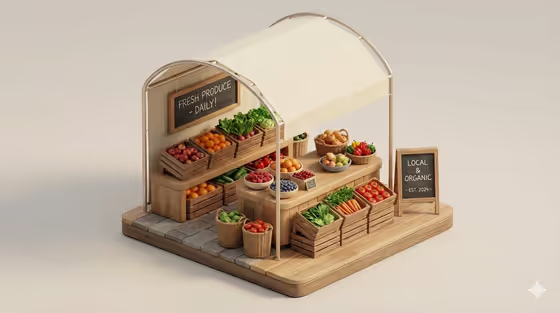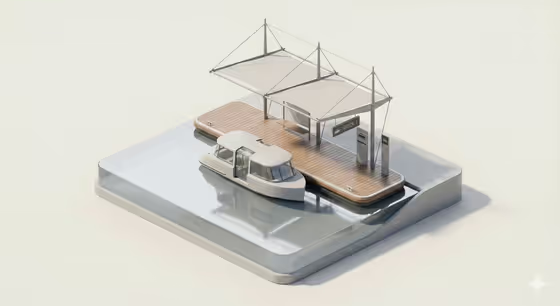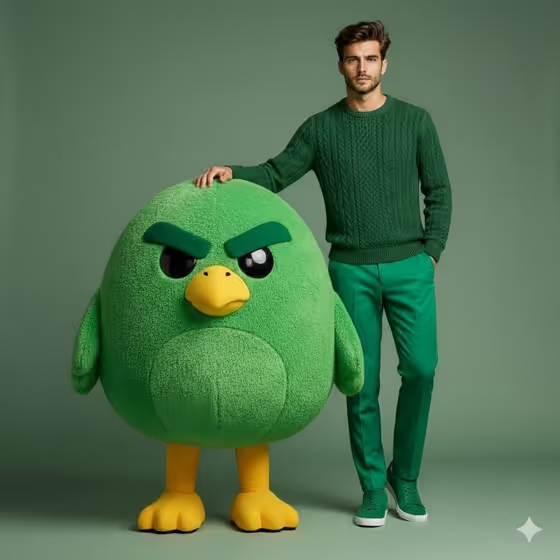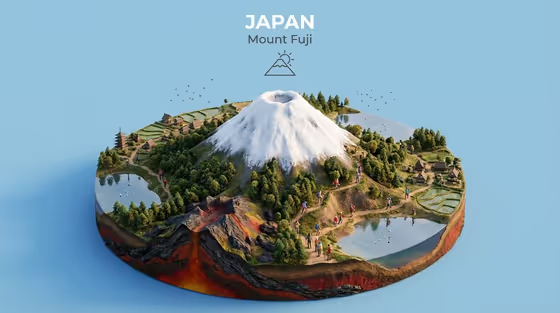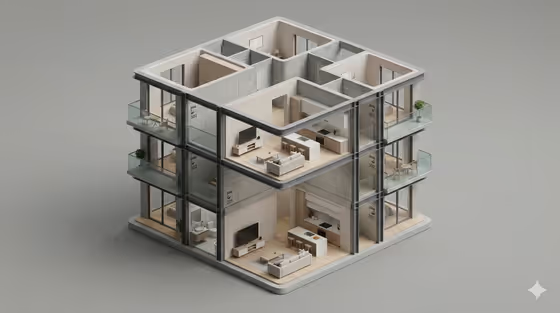
Minimal Cross-Section Diorama turns a subject into a small isometric 3D model with a neutral background, soft studio light, rounded edges and realistic materials. The cover shows the idea: a multi-level building cut open so you can see tidy, furnished rooms inside, like a miniature architectural model sitting on a plain grey surface.
It suits anyone who wants a clean, collectible-looking miniature of a place or subject, such as designers, architects, hobbyists or people making a stylish visual for a project. You describe or upload your subject, pick a creative direction, and the template handles the diorama styling.
What works best as input
- The Portrait subject field accepts a photo or a short text description, so use whichever you have. A clear, well-lit photo gives the template more to preserve than a vague phrase.
- If you type instead, be concrete. The field's own examples, such as "a confident adult" or "a distinctive creative professional", show the level of detail it expects.
- Choose a photo where the subject is easy to read, with an uncluttered background and nothing important cropped out.
- Use only photos you have the right to use, and keep descriptions of people respectful and neutral.
How to use it
- Open the Minimal Cross-Section Diorama template in Phosphene.
- Fill in Portrait subject by uploading a photo or typing a short description of what you want in the diorama.
- Set Creative direction by picking one of the suggestions (Clean editorial, Cinematic dramatic, Playful colorful, Quiet premium) or describing your own.
- Generate the image, then review the result and adjust your subject or direction if you want a different look.
Tips for a better result
- Try Quiet premium or Clean editorial for a calm, minimal look that matches the soft grey studio feel of the cover.
- Switch to Playful colorful or Cinematic dramatic to see how the same subject changes in mood while keeping the diorama format.
- Keep the subject description short and specific rather than listing many ideas, so the model stays clean and uncluttered.
- Run the template a few times with small wording changes to compare versions and keep your favorite.
Common mistakes
- Writing a long, busy description. This template is built around a minimal miniature, so too many elements can fight the clean style.
- Uploading a dark, blurry or heavily cropped photo, which gives the template little to work from.
- Expecting the output to match the cover building exactly. The cover shows the style, but your subject and direction will shape the result.
FAQ
Do I have to upload a photo?
No. The Portrait subject field accepts a photo or a text description, so you can type what you want instead.
What does Creative direction change?
It sets the overall mood of the image. Options like Clean editorial, Cinematic dramatic, Playful colorful and Quiet premium shift the feel while the isometric diorama style stays the same.
What shape will the image be?
The template outputs a single image in a 3:4 aspect ratio.
Can I use my own direction instead of the suggestions?
Yes. The suggestions are examples, and the field also lets you describe your own creative direction.