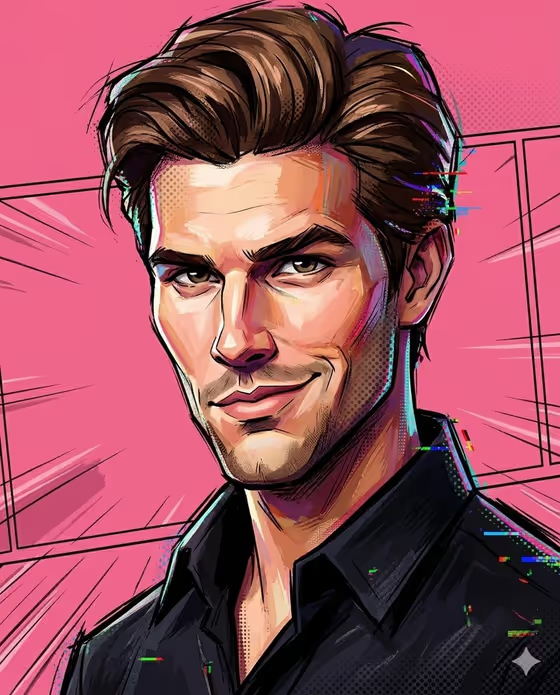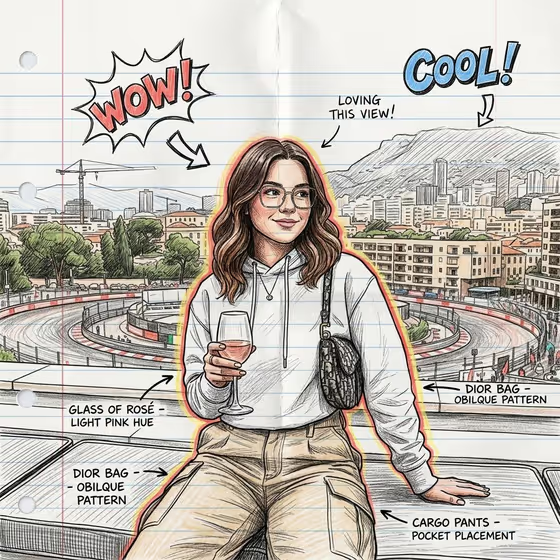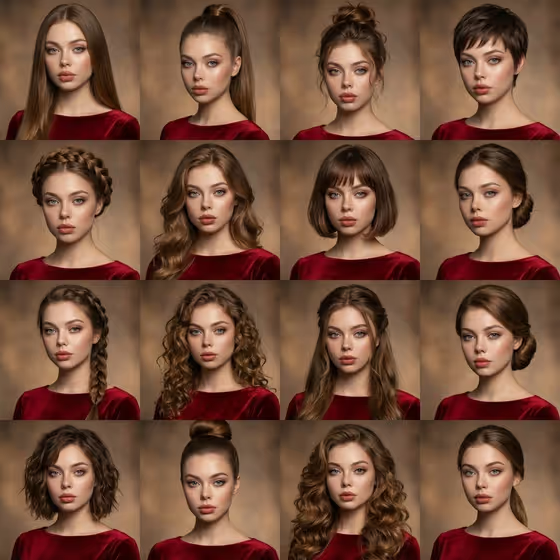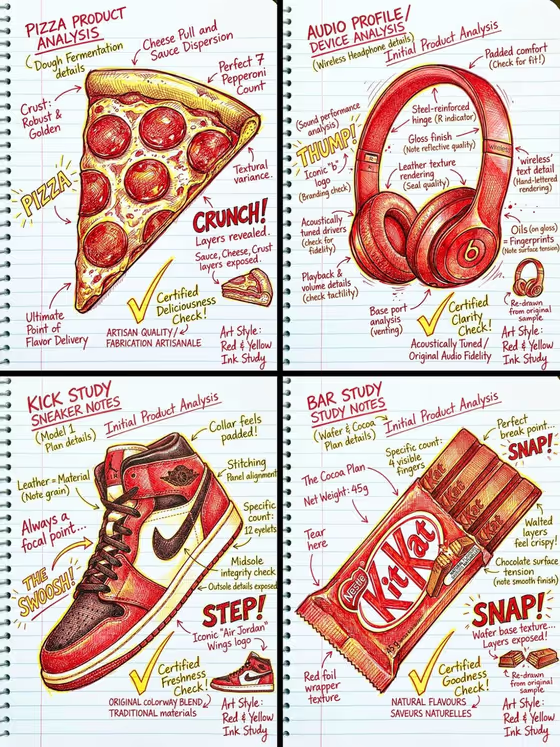
Notebook Pen Portrait turns a photo into a hand-drawn portrait done in red and yellow pen on lined notebook paper. The result has a comic-book feel, with expressive linework, bright outlines and handwritten notes scribbled around the edges, much like the annotated study pages in the cover image.
It suits anyone who wants a sketchbook-style version of a person for a profile picture, a gift, a creative post or a personal art piece. The output is a single 3:4 image, so it works well as a vertical portrait.
What works best as input
- Upload one clear photo of the person you want drawn. The template asks for a single reference image, and the drawing aims to keep a full likeness to that subject.
- Pick a photo where the face is well lit and not blocked by sunglasses, hands or heavy shadow, so the pen lines have clear features to follow.
- Choose a photo that already has the pose and energy you like, since the default for the Pose or expression field is to follow the source pose.
- In the Portrait subject field you can keep the suggested wording (an adult subject matching my reference) or describe the person briefly. The template is written for adult subjects.
- Frame the shot so the head and shoulders are fully visible, which leaves room for the margin notes and sketch details around the figure.
How to use it
- Open the Notebook Pen Portrait template in Phosphene.
- Upload your photo in the Portrait subject field, or describe the subject in text. Using the example 'an adult subject matching my reference' keeps the drawing tied to your photo.
- Fill in Pose or expression with one of the options, such as the source pose and energy, calm editorial stillness, confident direct presence or candid spontaneous energy.
- Generate the image, then look over the likeness, the line quality and the handwritten notes. Adjust your inputs and run it again if you want a different feel.
Tips for a better result
- Try each Pose or expression option on the same photo. Calm editorial stillness and candid spontaneous energy should give noticeably different moods in the sketch.
- Use a sharp, high-resolution photo. Crisp input helps the bright, defined outlines this style relies on.
- If you want a more character-driven result, describe the subject with a short phrase like 'an expressive adult creative' instead of the plain reference wording.
- Keep the background of your photo simple so the drawing stays focused on the person, with the notebook paper and margin notes doing the decorating.
Common mistakes
- Uploading a blurry, tiny or heavily filtered photo, which makes it harder to hold the likeness in the pen lines.
- Writing a long, detailed description in the pose field. It works best as a short phrase that sets the mood.
- Expecting a full-color or photorealistic result. This template is built around red and yellow pen on lined paper.
FAQ
What does the output look like?
A hand-drawn style portrait in red and yellow pen on lined notebook paper, with comic-style linework and handwritten annotations around the edges. It comes out as a 3:4 image.
Do I need to upload a photo?
The template is built around a reference photo, and the upload requirement is one image. The Portrait subject field also accepts a text description.
Can I control the pose?
Yes. The Pose or expression field lets you keep the source pose or choose a mood such as calm editorial stillness, confident direct presence or candid spontaneous energy.
Will the drawing look like the person in my photo?
The template is directed to maintain a full likeness to the subject, so a clear, well-lit photo gives it the best material to work from.