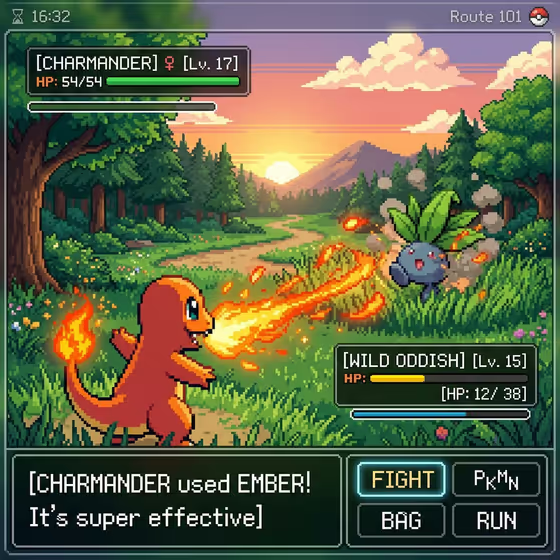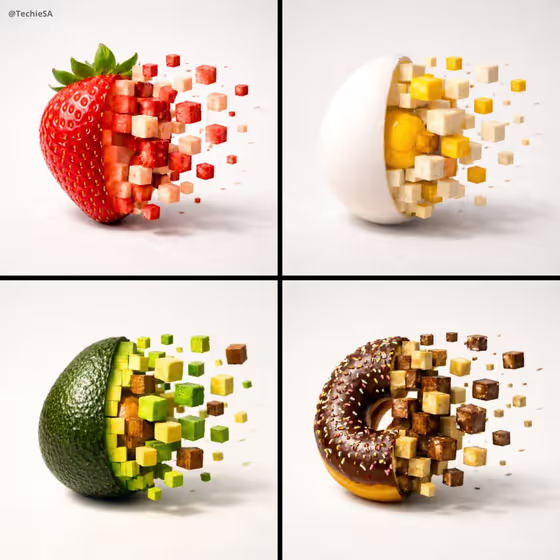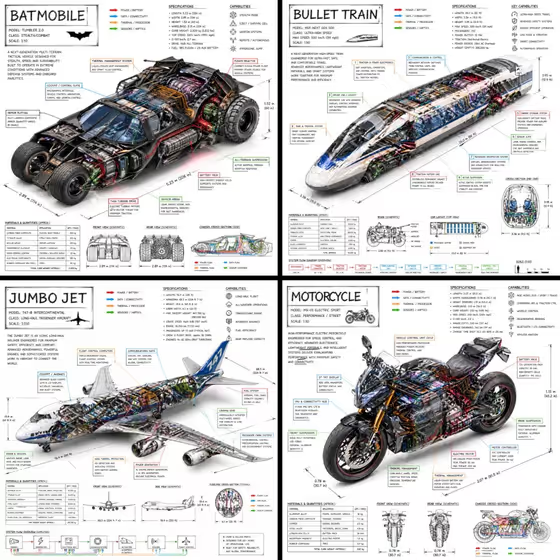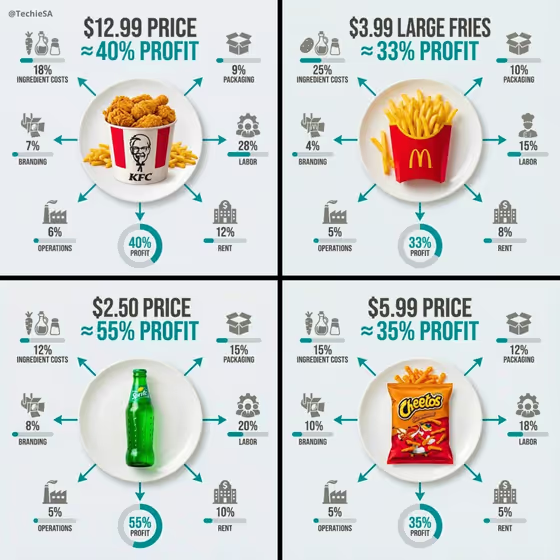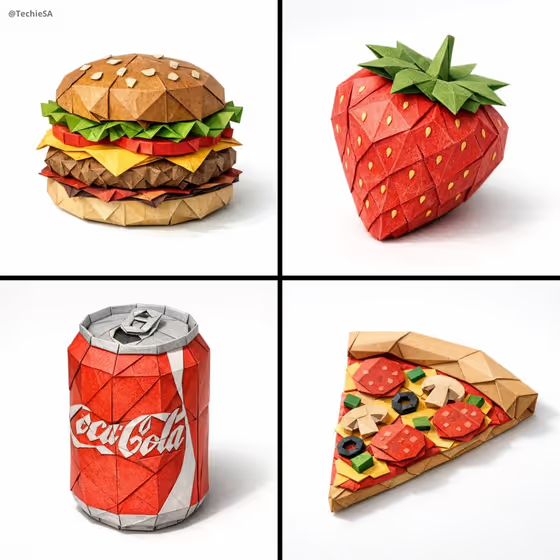
Origami Food Study turns a food item into a sculpture made entirely of folded paper. As the cover shows, a burger, a strawberry, a pizza slice and a soda can each get faceted, geometric folds with visible creases, set on a clean light surface with a soft shadow.
It suits food bloggers, menu designers, packaging mockups, social posts and anyone who wants a tactile, handmade-looking take on a favorite dish. You pick the food and the paper palette, and the template handles the folded-paper styling.
What works best as input
- For the Food item field, you can describe the dish in text or add a reference photo. A clear photo of a single item works better than a crowded table.
- Choose a photo where the food is lit evenly and fills most of the frame, so its main shape and layers are easy to read.
- If you type instead, be specific about shape and layers, like the template's examples: a layered sushi roll, a ripe strawberry, a croissant, a layered vegetable tart.
- Stick to one food item per generation. The cover shows four separate results, not one combined scene.
- Foods with a strong silhouette or visible layers (a burger, a pizza slice, a berry) translate into folds especially well.
How to use it
- Open the Origami Food Study template in Phosphene.
- In Food item, type a description of the dish or add a reference photo of it.
- In Paper palette, choose the look you want, such as natural food colors, bold primary colors or soft pastel paper.
- Generate the image, then review the folds, colors and overall shape. Adjust your inputs and run it again if you want a different take.
Tips for a better result
- Try the same food with each paper palette to compare a realistic look against a bolder or softer one.
- Name distinctive parts of the dish, like seeds, toppings or layers, so they show up as separate folded pieces.
- Pick foods with a recognizable outline. Simple, iconic items read clearly as paper sculptures.
- Generate a few foods with the same palette to build a matching set, like the four-panel cover.
Common mistakes
- Describing several dishes at once, which can blur the single centered object the template is built around.
- Using a dark, blurry or heavily cropped reference photo, which makes the food's shape hard to rebuild in paper.
- Writing a vague entry like 'lunch' instead of naming the specific food you want folded.
FAQ
Do I have to upload a photo?
No. The Food item field accepts a text description or a reference photo, so you can simply type the dish you want.
What does the Paper palette change?
It sets the colors of the folded paper, with choices like natural food colors, bold primary colors or soft pastel paper.
Can I make something other than a dish, like a drink?
The template is built around food items. The cover includes a soda can alongside a burger, strawberry and pizza slice, so simple packaged items can work too.
Will the result look like real folded paper?
The template aims for an object built from geometric folds with visible creases, soft shadow and a minimal surface. Results can vary, so review the image and regenerate if needed.