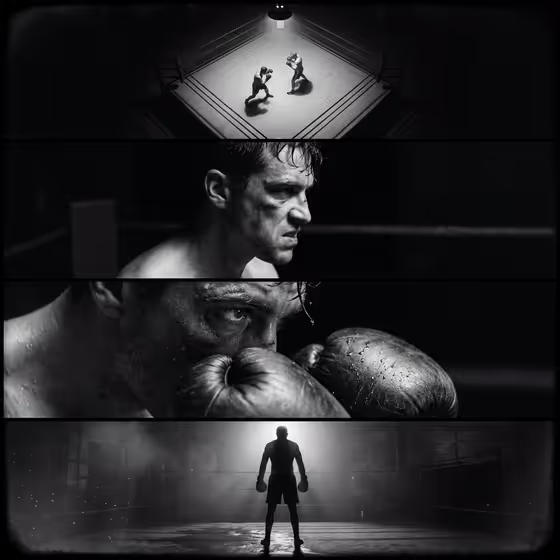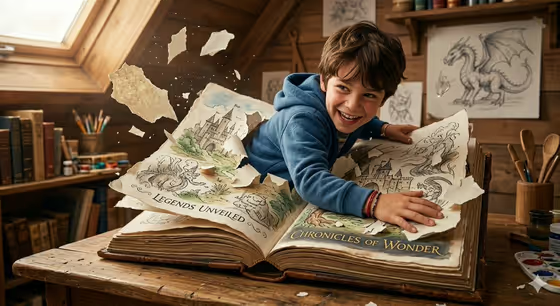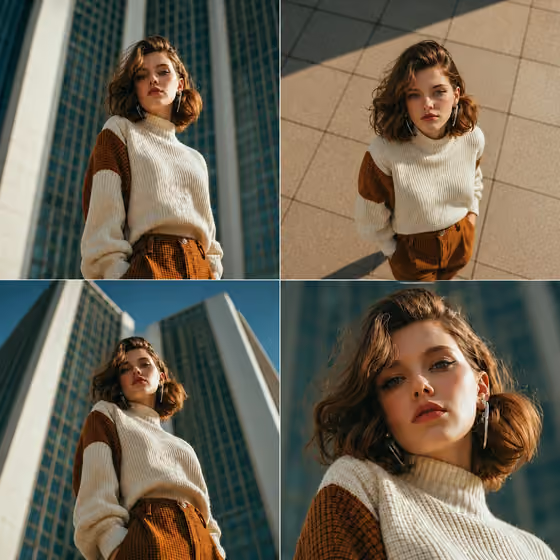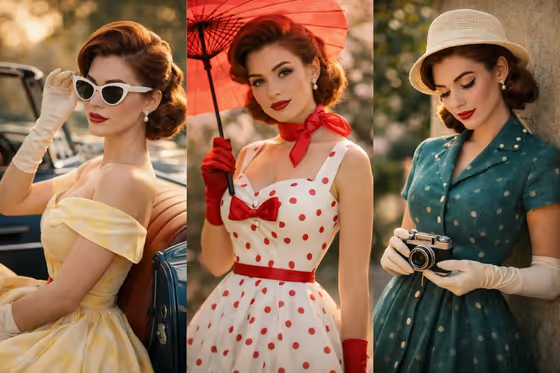
Rose Dress Convertible turns a portrait into a vintage 1950s fashion editorial. Your subject is styled in an ivory strapless gown with hand-painted red rose embroidery near the hem, standing beside a classic convertible in warm golden-hour light, with a three-quarter back angle and a look over the shoulder.
It suits anyone who likes retro glamour: profile photos, themed shoots, birthday or event visuals, or a nostalgic character concept. The result is a 3:4 image, so it fits portrait-style frames and social posts well.
What works best as input
- Use one clear photo of the person you want styled. The template accepts a single reference in the Portrait subject field.
- Pick a photo with good light and a visible face, ideally with the hair and shoulders shown, so the likeness carries over cleanly.
- If you prefer to describe instead of upload, write a short phrase in Portrait subject, such as the suggested 'an adult woman matching my reference' or 'an adult man with a distinctive presence'.
- Avoid heavy filters, sunglasses or hats that hide the face, since they make the subject harder to read.
How to use it
- Open the Rose Dress Convertible template in Phosphene.
- In Portrait subject, upload your photo or type a short description of the person.
- In Pose or expression, choose an option or write your own, for example 'calm direct gaze' or 'the source gaze and expression'.
- Generate the image, then review it. If the face or mood is off, adjust your inputs and run it again.
Tips for a better result
- Leave Pose or expression on 'the source gaze and expression' when you want the result to stay close to your original photo.
- Try 'calm direct gaze' or 'quiet introspection' to shift the mood while keeping the same vintage styling.
- Try a few different source photos of the same person. Lighting and angle in the original can change how natural the result feels.
- The scene is built around a soft three-quarter back angle with a look over the shoulder, so a photo with a gentle head turn can blend well.
Common mistakes
- Uploading a small, blurry or heavily cropped photo, which gives the template little to work with.
- Writing a long, detailed description in Pose or expression that clashes with the fixed styling. Keep it to a short gaze or mood.
- Expecting to change the dress, hat or car. Those are set by the template, so only the subject and expression are yours to control.
FAQ
Do I have to upload a photo?
The Portrait subject field accepts a photo, and it also takes a typed description. Using a clear photo is the best way to keep the likeness.
Can I change the dress or the car?
No. The ivory rose-embroidered gown, the convertible and the golden-hour garden setting are part of the template's fixed direction.
What does Pose or expression control?
It sets the gaze and mood of your subject. You can pick one of the examples or describe your own, such as an intense focused gaze.
What shape is the final image?
The output is a single image in a 3:4 aspect ratio.