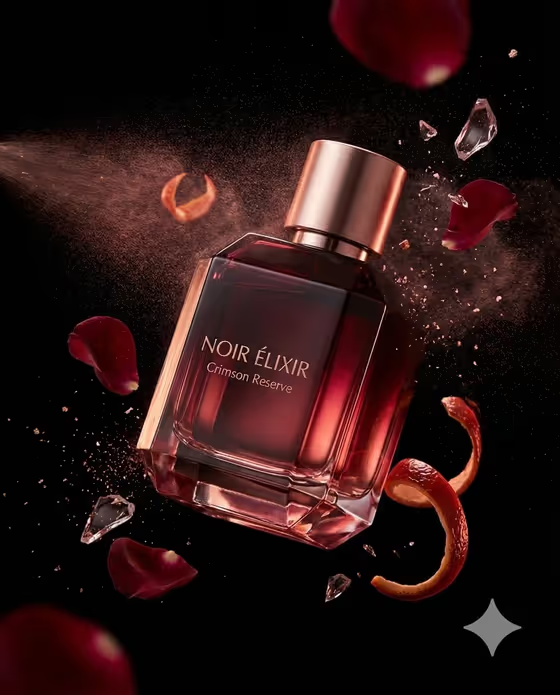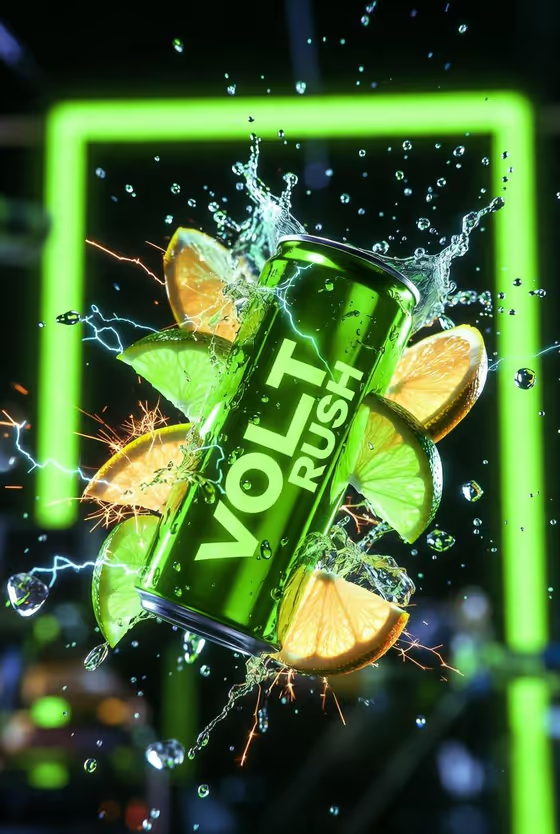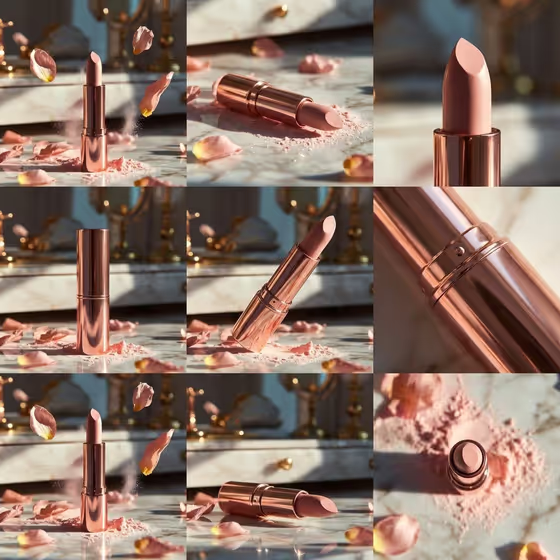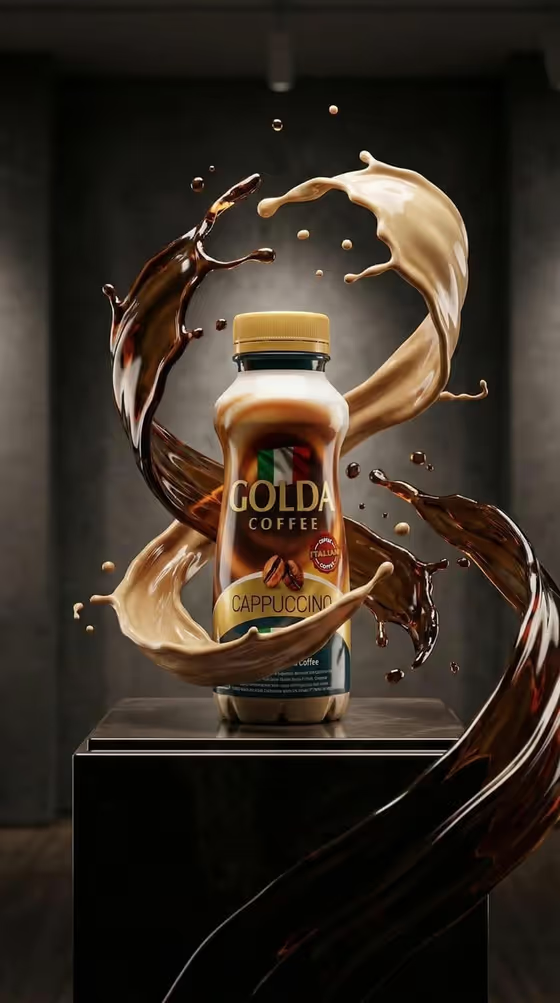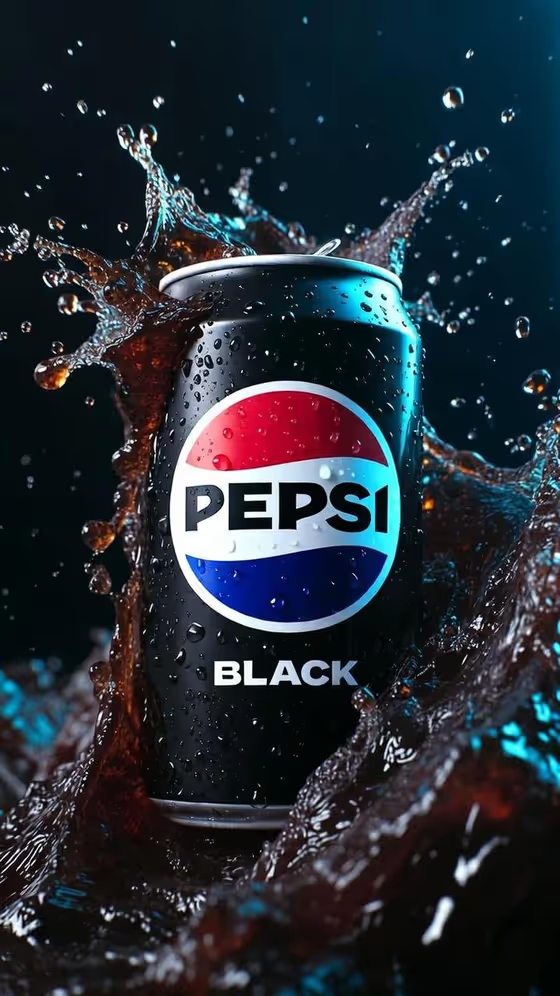
Cola Splash Hero turns a chilled dark cola can into a moody, high-end advertising image. The can sits front-facing and clearly readable, covered in crisp condensation, while dark liquid splashes burst around it in frozen motion under cool blue rim light.
It is built for anyone who wants a polished beverage hero shot without a studio setup: small brands testing a drink concept, designers mocking up a can, or creators who need a bold vertical visual. The output is a single 3:4 image.
What works best as input
- In the first field (chilled dark cola can product or object), you can either type a short description or upload a reference photo of the can you want shown.
- If you upload a photo, pick one where the can is front-facing, evenly lit, and fully in frame so the label and shape are easy to read.
- If you type instead, keep it concrete, such as 'a chilled dark cola can' or 'a premium unbranded alternative'. Mention the can color or finish if it matters.
- Only use packaging and designs you own or have the right to use. A personal product design or your own product reference works well here.
How to use it
- Open the Cola Splash Hero template in Phosphene.
- In 'chilled dark cola can product or object', describe your can or upload your reference photo.
- Choose an option in 'Product presentation' to set how the shot is framed, for example a clean studio hero or a dynamic material interaction.
- Generate the image, then check the label legibility, splash shape, and blue rim light, and adjust your inputs if something is off.
Tips for a better result
- Try the different Product presentation options with the same can to compare a clean studio hero against a more dynamic splash-heavy look.
- Use a clear, high-resolution reference photo when label accuracy matters, since the template asks for the can to stay front-facing and legible.
- Test an unbranded or personal design description alongside your real product to explore packaging ideas before committing.
- Keep your description short and focused on the can itself. The splash, condensation, and lighting are already set by the template.
Common mistakes
- Uploading a tilted, cropped, or cluttered photo, which makes it harder to keep the can front-facing and the label readable.
- Writing a long scene description in the can field. The template already fixes the lighting, splash, and mood, so extra scene details can compete with it.
- Using a reference with a design you do not have rights to use.
FAQ
Can I upload my own can photo?
Yes. The first field accepts either a text description or an uploaded reference photo of the product.
What does the Product presentation field change?
It sets how the shot is framed, with options such as a clean studio hero, dynamic material interaction, or an annotated product breakdown. The core look of the template stays the same.
What size and format is the result?
The template produces a single image in a 3:4 aspect ratio.
Can I use it for a drink that is not cola?
The template is written around a chilled dark cola can with dark liquid splashes, so it fits dark sodas best. You can describe your own product or an unbranded alternative in the first field.