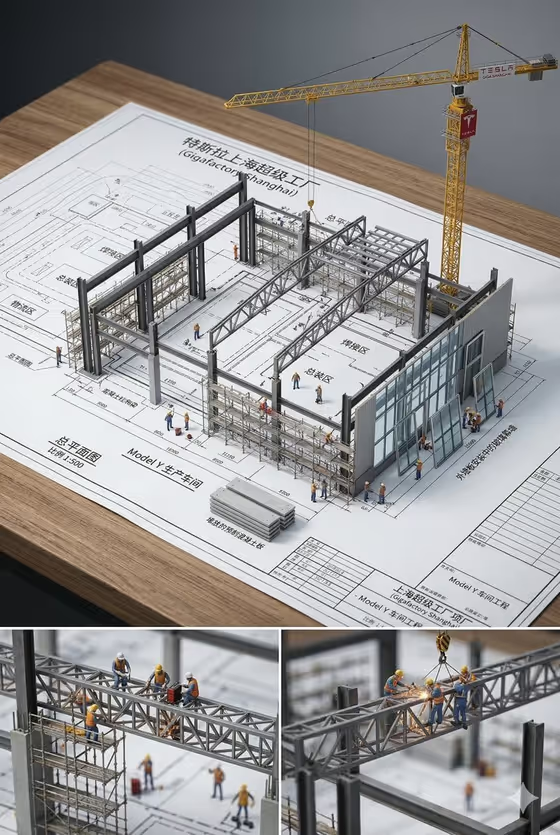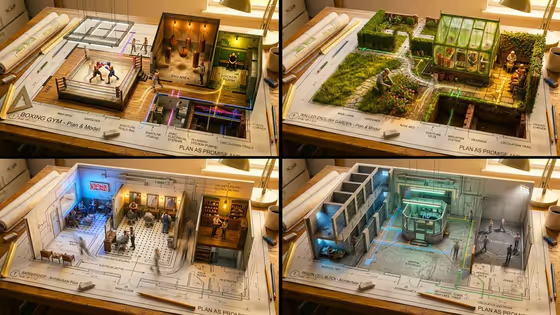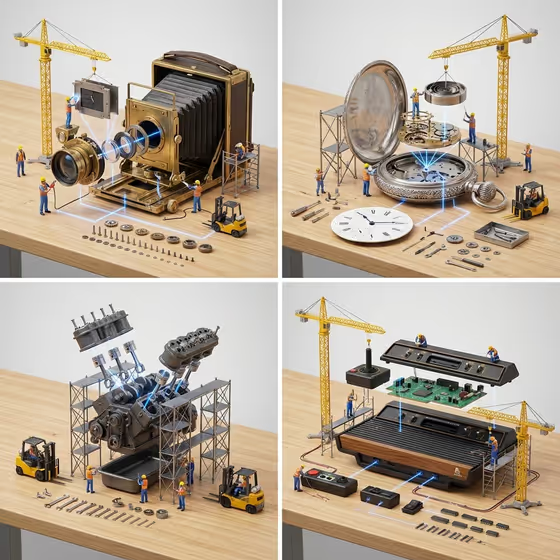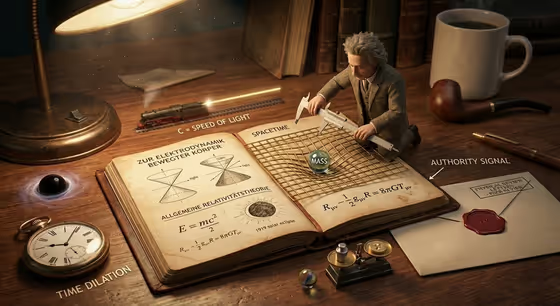
Expert Diorama Explainer turns a topic into a warm tabletop scene. A central artifact (like an open book, a blueprint or a notebook) sits in the middle, a toy-scale expert works on it, and five short callouts explain what the surrounding props stand for. The cover shows the idea well: a tiny figure measuring a bent grid on an open book, with a pocket watch, a train, a sealed envelope and a coffee cup around it.
It suits teachers, writers, students and anyone who wants a single shareable image that makes an idea easier to grasp at a glance. You choose the topic, the artifact and the type of expert, and the template builds the scene in a 3:4 image.
What works best as input
- For Topic product or subject, be specific. A narrow topic such as how encryption works or the history of navigation gives the props and callouts more to latch onto than a vague word like science.
- This field accepts a photo as well as text. If you upload one, pick a reference that clearly shows the product or subject itself, with a plain background and good light.
- If you describe the topic in words, add the one idea you most want explained. The five callouts will follow the concepts you name, so lead with what matters.
- For Miniature expert, name a role that fits the topic, such as field researcher, museum curator, engineer or archivist. A believable expert makes the whole scene read more clearly.
- For Master artifact, choose the object that would naturally carry the topic, like a marked-up map for navigation or a laboratory notebook for an experiment.
How to use it
- Open the Expert Diorama Explainer template in Phosphene.
- Fill in Topic product or subject by typing a description or adding a matching reference photo, then choose the Master artifact and enter a Miniature expert.
- Generate the image and wait for the 3:4 result to appear.
- Review the callouts and props. If the scene does not match your topic, adjust the wording of your inputs and generate again.
Tips for a better result
- Try the same topic with different artifacts. A weathered blueprint and an annotated open book will arrange the props and callouts in quite different ways.
- Match the expert to the topic. An engineer, curator and archivist each suggest different tools, so changing the role changes the story the scene tells.
- Keep the topic to one clear idea. The template builds five callouts, so a focused subject keeps them readable and meaningful.
- If you use a reference photo, choose one that shows the key object clearly so the diorama can build its props around it.
Common mistakes
- Entering a topic that is too broad, which leaves the props generic and the callouts less useful.
- Picking an expert that does not fit the subject, so the figure and tools feel disconnected from the artifact.
- Uploading a cluttered or unrelated photo as the topic reference, which gives the scene little to work from.
FAQ
Do I have to upload a photo?
No. The Topic product or subject field can be filled in with text. A photo is an optional matching reference for that field only.
Can I upload a photo for the artifact or the expert?
No. Master artifact is a choice and Miniature expert is typed text, so only the topic field accepts a photo.
What will appear in the image?
A miniature diorama with your chosen artifact at the center, a toy-scale expert working on it, concept-related props, an authority document such as a sealed letter, and five callouts.
What shape is the output?
The template makes a single image in a 3:4 aspect ratio.