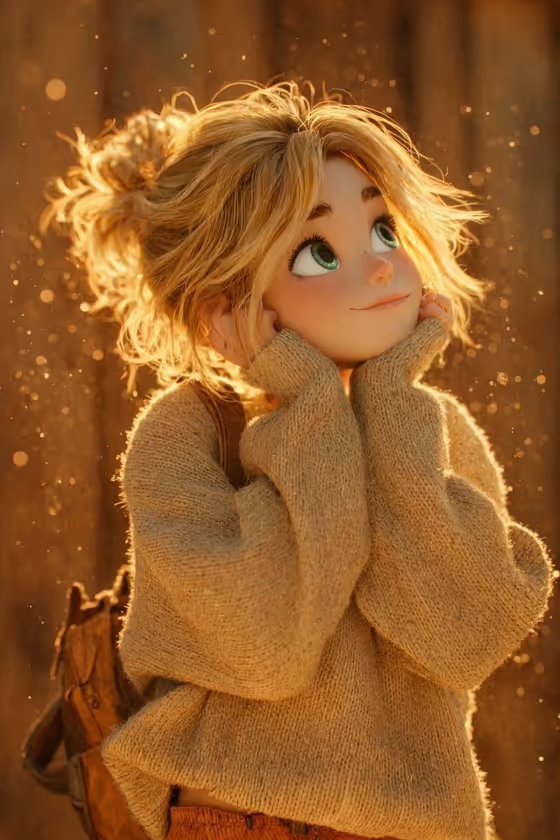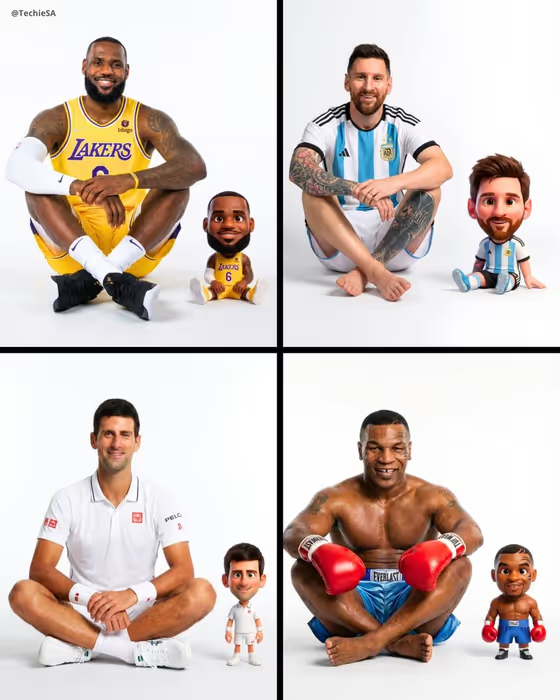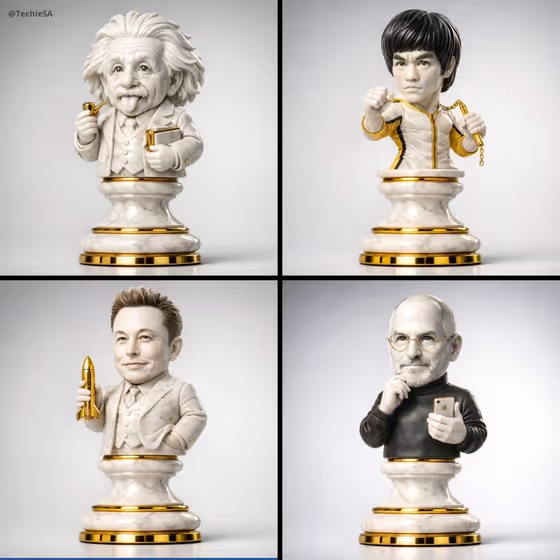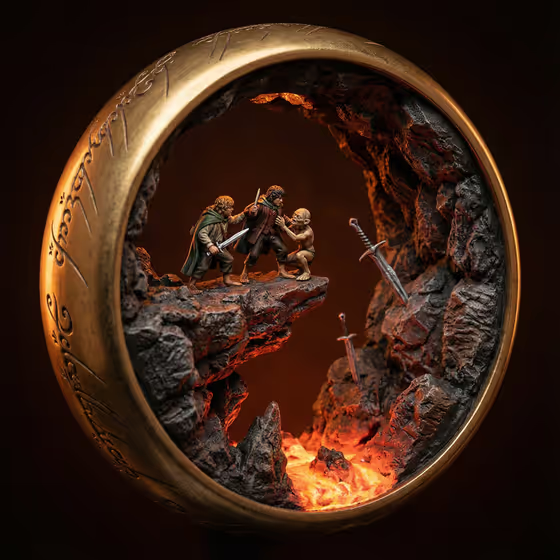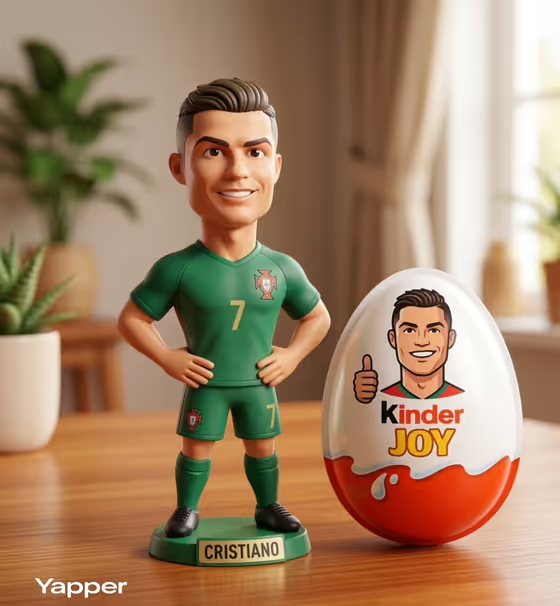
This template turns a football subject into a glossy 3D collectible figurine standing on a wooden table, with a large Kinder Joy egg beside it. The egg shell carries a cartoon version of the same character, so the figure and the printed art read as one matching set.
It suits fans making a personalized desk-toy look, designers sketching a designer-toy concept, and anyone who wants a playful gift or social image built around a character in a football kit. The finished image is 3:4, which fits a portrait layout well.
What works best as input
- The first field, "football-star collectible figure character subject", accepts a text description or a photo reference. Since the template asks for 2 or more photos, add several images of the same subject.
- Pick photos where the face, hairstyle and build are easy to see. Clear, evenly lit shots of the same person or character give the figurine something consistent to follow.
- If you describe instead of uploading, be specific: hair style, build, kit colors and shirt number. The prompt already expects short styled hair and an athletic build, so notes that match that direction fit best.
- Use a photo of someone you have the right to depict, such as yourself, a friend who agrees, or your own original character, and keep the references respectful.
- Avoid heavily filtered, tiny or cropped-out photos, since the figurine and the egg cartoon both depend on a recognizable look.
How to use it
- Open the Football Collectible Figure template in Phosphene.
- Fill in "football-star collectible figure character subject" with a short description, or add your photos of the subject (2 or more).
- Choose a "Character staging" option, such as collectible character portrait, full-body character scene or environmental story moment, or add your own framing.
- Generate the image, then review the figurine, the kit, and the cartoon on the egg. Adjust your inputs and run it again if something is off.
Tips for a better result
- Mention the kit colors and a shirt number in your subject text so the figurine's uniform matches what you picture.
- Try different "Character staging" choices. A full-body scene shows the whole figure and the egg, while a portrait framing puts more focus on the face and expression.
- Use the same subject with several staging options and compare, then keep the framing that shows the figurine and egg most clearly.
- Try an original character instead of a real person to get a unique collectible with its own look.
Common mistakes
- Uploading only one photo or mixing images of different people, which makes the figurine and the egg cartoon look inconsistent.
- Writing a vague subject like "a player" with no hair, build or kit details, so the result has little to match.
- Expecting to change the fixed scene. The wooden table, soft lighting, toy texture and egg are part of the template, so spend your effort on the subject and staging.
FAQ
Do I have to upload photos?
The template is set up for 2 or more photos, and the subject field also accepts a text description. Photos help the figurine and egg cartoon match the same look.
What does the egg show?
The large Kinder Joy egg beside the figurine is printed with a cartoon avatar of the same subject, matching the figure's look.
Can I change the table, lighting or style?
No, those are fixed. The wooden table, soft natural lighting and glossy 3D toy look stay the same. You control the subject and how the scene is framed.
What image shape will I get?
The output is a single image in a 3:4 portrait ratio.