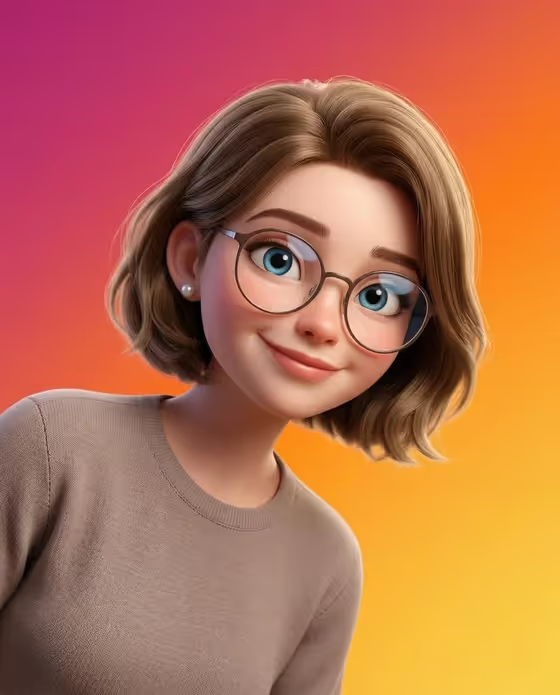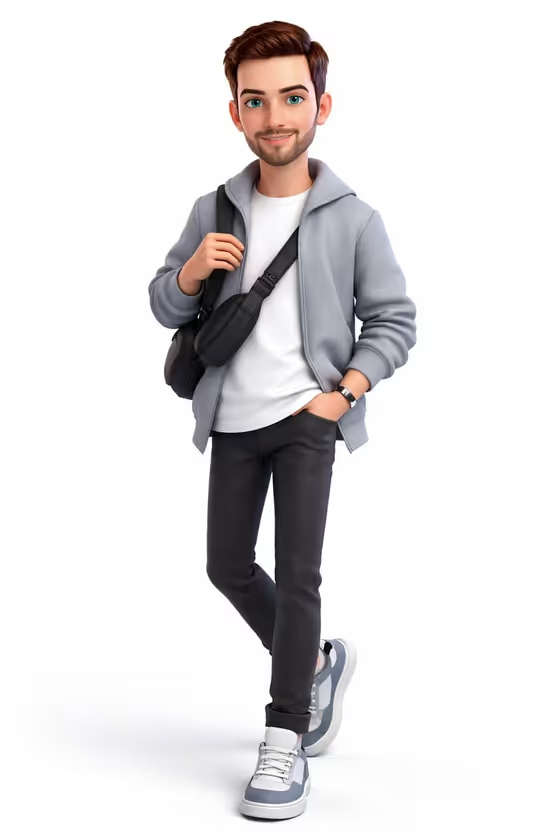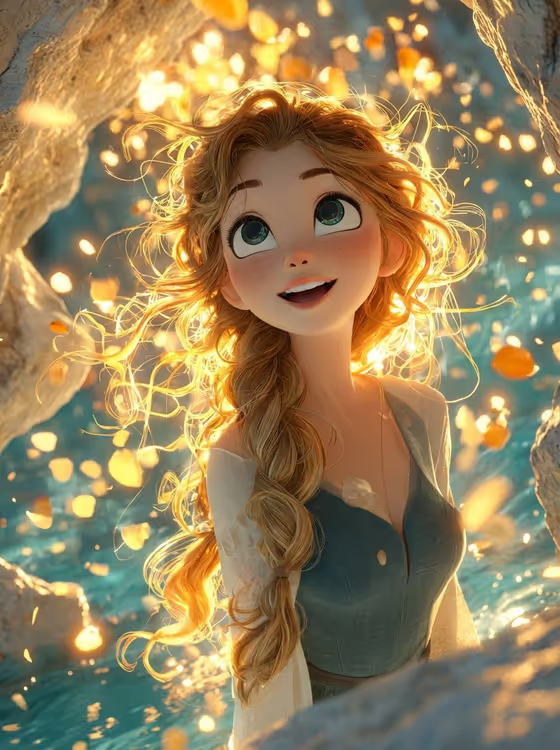
Luminous Cave Wonder turns a character idea or a reference photo into a 3D fantasy portrait set inside a glowing cave. The result is a 3:4 image with turquoise water, soft bokeh rock walls, warm golden backlight and a gentle upward gaze of wonder.
It suits anyone who wants a polished, storybook-style character portrait, such as an avatar, a fantasy character sheet cover, or a decorative print. You describe the character, pick the floating magic, and the template handles the lighting and cave setting.
What works best as input
- The Fantasy portrait character field accepts either text or a photo, so you can describe someone or upload a matching reference. Use whichever you have.
- If you describe the character, be concrete about hair and clothing, like the examples "a strawberry-blonde young adventurer" or "a dark-haired cave explorer".
- If you upload a photo, pick a clear one with the face visible and well lit, so the character's look carries over into the 3D style.
- Hair is a big part of this look (the template adds a loose glowing braid and backlit strands), so mention hair colour or length in your description if it matters to you.
- Keep the character description short and focused. The scene, water and lighting are already handled by the template.
How to use it
- Open the Luminous Cave Wonder template in Phosphene.
- In Fantasy portrait character, type a short description or upload a reference photo of your character.
- In Floating magic, choose what drifts through the cave, such as golden flower petals, small luminous butterflies, glowing crystal dust or warm drifting fireflies.
- Generate the image, then review the face, hair glow and the floating elements, and run it again with adjusted inputs if you want a different feel.
Tips for a better result
- Try each Floating magic option with the same character to get a set of related portraits with different moods.
- Describe a personality as well as a look, for example "a gentle water guardian", to nudge the character toward a softer or more adventurous feel.
- Golden flower petals match the warm gold and turquoise palette of the template most directly, while crystal dust gives a more sparkling, magical haze.
- If you use a photo, try a second generation with a text description of the same person to compare how closely each version fits what you wanted.
Common mistakes
- Writing a long, detailed scene description. The cave, water and lighting are fixed by the template, so extra setting details can compete with them.
- Uploading a dark, blurry or heavily cropped photo, which gives the template little to work from.
- Describing several different characters in one field. The template is built around a single portrait subject.
FAQ
Do I have to upload a photo?
No. The Fantasy portrait character field accepts a text description or a matching reference photo, so you can use either.
What does the Floating magic option change?
It sets what drifts around the character in the cave, such as golden flower petals, luminous butterflies, crystal dust or fireflies.
What shape is the image?
The template makes a 3:4 portrait-format image.
Can I change the cave or the lighting?
Not through the fields. The turquoise cave water, warm backlight and upward gaze are part of the template's fixed direction, and you control the character and the floating magic.