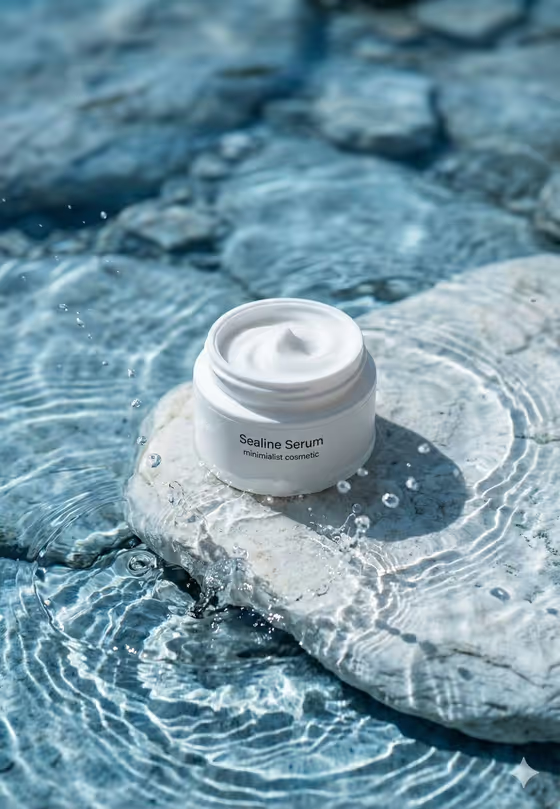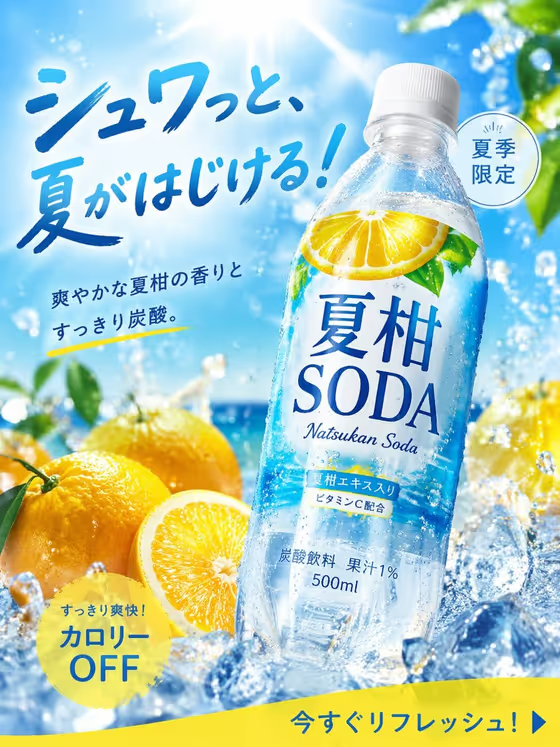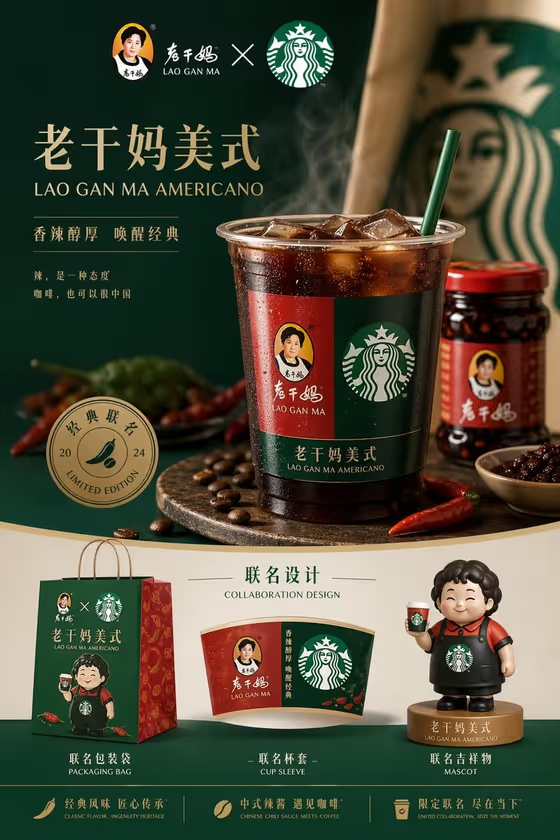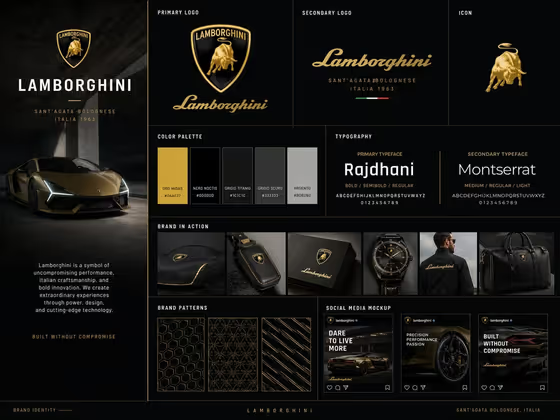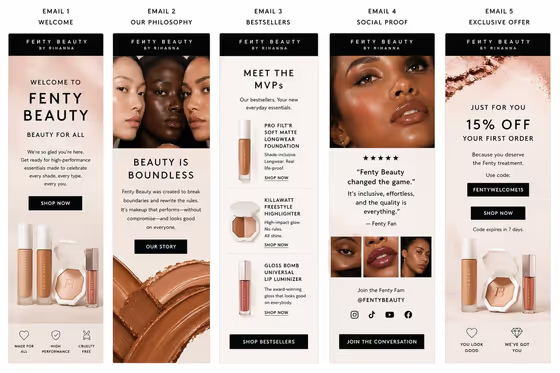
Beauty Email Campaign creates a single 3:4 image that lays out a coordinated sequence of beauty emails side by side: a launch hero, a benefit story, and a final offer. Each email is styled as a tall, mobile-style card with premium product and beauty imagery, short copy blocks, and clear call-to-action buttons, much like the multi-column email overview in the cover image.
It suits beauty founders, marketers, and designers who want to present a campaign concept before building real emails. You give it a brand or product and a campaign headline, and it produces a presentation-ready mockup you can use for pitches, mood boards, or internal reviews.
What works best as input
- For the Beauty brand or product field, you can describe your brand in words or attach a photo of the actual item. A photo is useful when you want the mockup to reflect your real packaging, shade range, or compact design.
- If you use a photo, choose a clean, well-lit shot of the product with the whole item visible and little clutter behind it. Clear labels and shapes are easier to carry into the email layouts.
- If you describe instead, be specific about the category and tone, for example a premium skincare brand or a bold color cosmetics line. The field's own examples show the level of detail that works.
- For the Campaign headline, keep it short, since it has to fit on an email hero. Phrases like Own Your Glow or Color Without Rules show the right length and voice.
How to use it
- Open the Beauty Email Campaign template in Phosphene.
- In Beauty brand or product, describe your brand or product, or add a photo of the item you want featured.
- In Campaign headline, type the line you want to lead the campaign, such as Beauty, Made Personal or your own wording.
- Generate the image, then review the three emails for headline legibility, product accuracy, and a clear launch, story, and offer flow. Adjust your inputs and generate again if needed.
Tips for a better result
- Match the headline to the brand voice. A playful line and a refined line will push the typography and imagery in different directions.
- Be concrete about the product, such as a longwear foundation, a glossy lip product, or a highlighter compact, so the imagery and copy hierarchy feel specific.
- Try the same product with two or three different headlines to compare campaign angles side by side.
- If you want the mockup to show your actual item, use a photo in the product field instead of a general description.
Common mistakes
- Writing a very long campaign headline. Long lines get squeezed or reworded on a narrow email card, so keep it brief.
- Leaving the product description vague, like just beauty. A generic input gives generic imagery, so name the type of brand or product.
- Expecting exact final email copy. The result is a presentation mockup of a campaign, so treat any small text as design placeholder rather than finished copy.
FAQ
What does the template produce?
One 3:4 image showing a three-email sequence: a launch hero, a benefit story, and a final offer, laid out as coordinated email cards.
Do I have to upload a photo?
The Beauty brand or product field can take a photo, but you can also just describe your brand or product in text. The Campaign headline is text only.
Can I use my own headline?
Yes. Type any short line into Campaign headline, or start from the examples like Own Your Glow or Your Iconic Look.
Can I use the result as a real email?
It is designed as a presentation mockup of the campaign. Use it to communicate the concept, then build and write the actual emails separately.