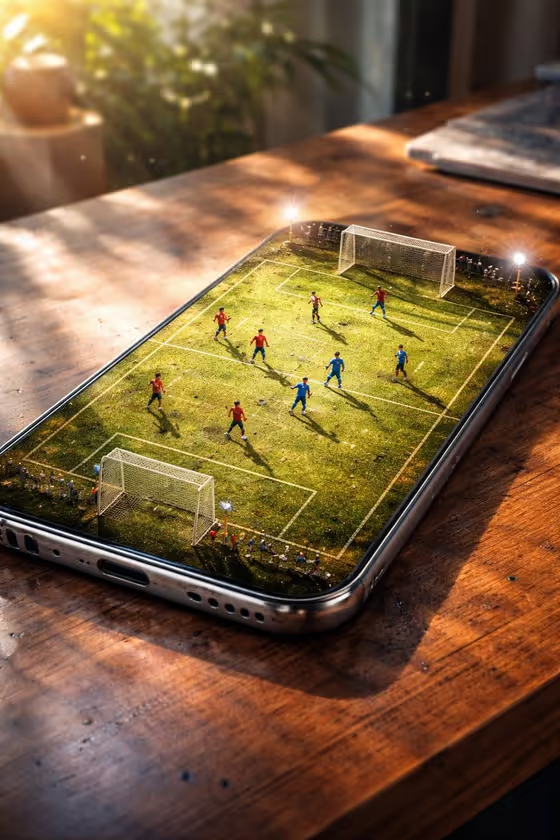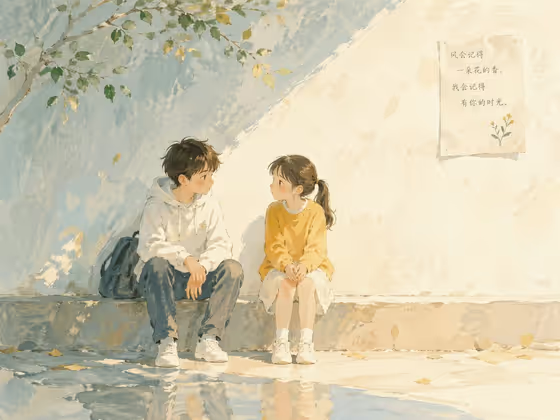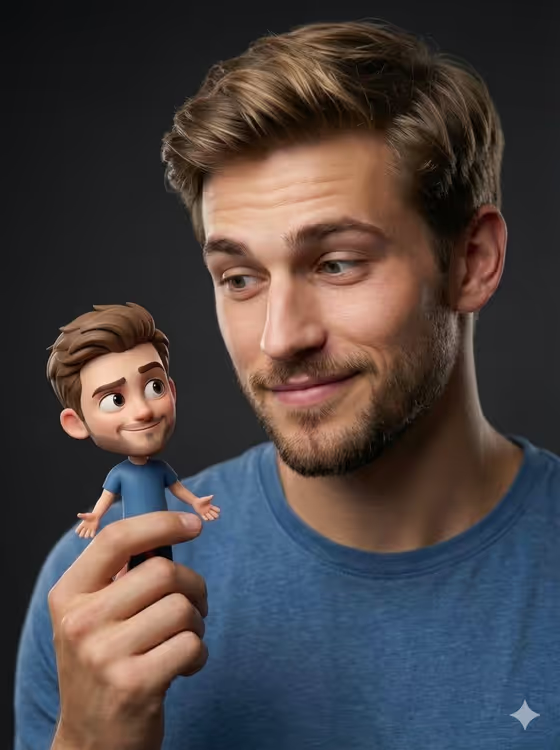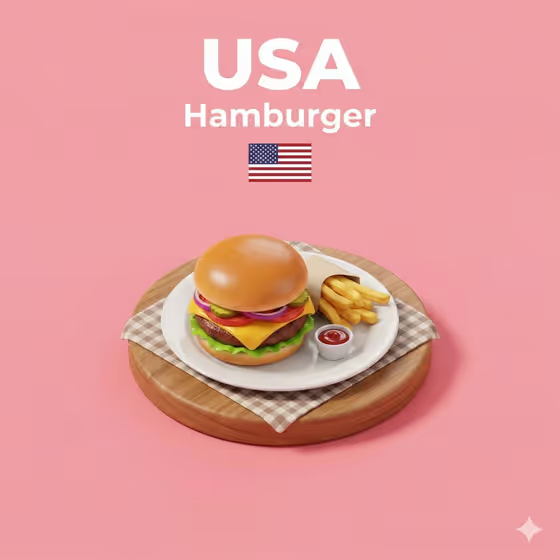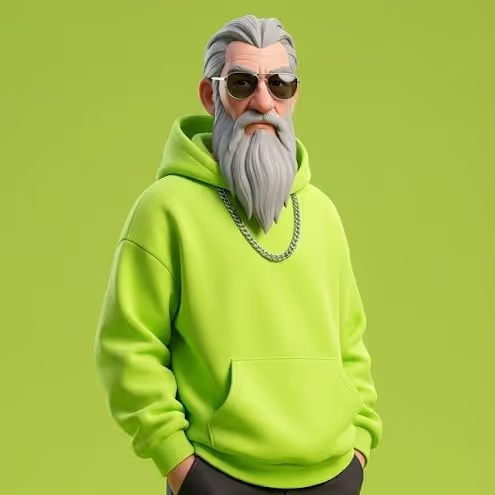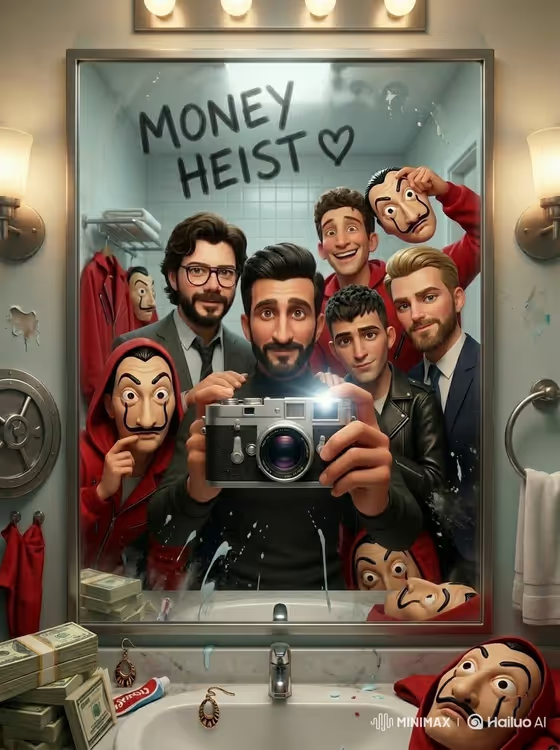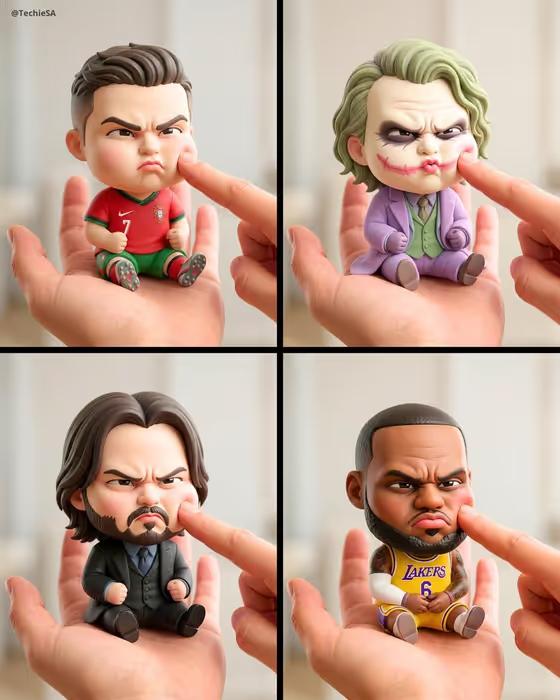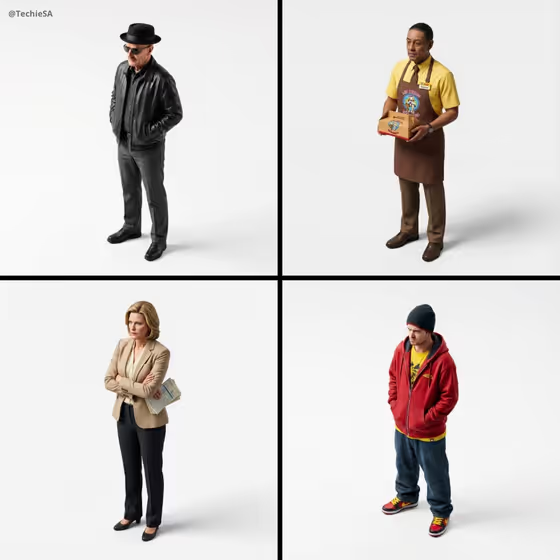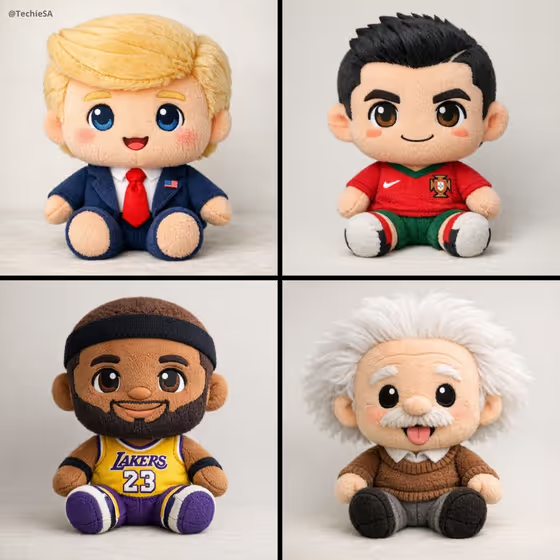
Plush Character Collectible turns a character into a soft stitched toy with an oversized head, a small body and stubby limbs. The result is a full-body, centered portrait against a neutral background, lit softly and evenly so the fuzzy fabric and seams read clearly.
It suits anyone who wants a toy-style version of an original character, a mascot idea, a pet-inspired design or a fantasy hero. You choose the character, the pose and the embroidered expression, and the template handles the plush look, including simple clothing or accessories when they fit the character.
What works best as input
- The Character field takes a text description and also accepts a photo reference, so use whichever gives you the clearer idea. A short description like "a cheerful forest fox" or "a tiny astronaut" is enough to start.
- If you add a photo reference, pick one with a clear view of the character and its key features, such as hair, outfit colors or a signature accessory. These details tend to carry over into the plush design.
- Mention the traits you want to keep in the text, for example a color scheme, a hat or a jersey. Iconic clothing and accessories are what make a plush feel like that specific character.
- Keep the description about one character. The template builds a single centered collectible, so avoid listing several characters in one field.
How to use it
- Open the Plush Character Collectible template in Phosphene.
- In the Character field, describe your character or add a reference photo, then choose a Pose (such as Sitting sweetly or Waving hello) and an Expression (such as Bright and cheerful or Sleepy and content).
- Generate the image. The output is a 3:4 portrait of your character as a plush toy.
- Review the result, check the face, outfit and pose, and adjust the Character description or your Pose and Expression choices if you want a different version.
Tips for a better result
- Pair the pose with the expression on purpose. Sitting sweetly with a Sleepy and content face gives a cozy look, while Standing proudly with Determined but cute feels more heroic.
- Add one or two distinctive details to the Character field, like a scarf, a helmet or a team shirt. The template adds clothing and accessories when relevant, and specific cues help it pick the right ones.
- Generate the same character with different Pose and Expression options to build a small collectible set, similar to the four-up grid style shown on the cover.
- Try animals, fantasy figures and original characters alongside people-inspired designs. The examples in the field (a forest fox, a sleepy black cat, a brave fantasy knight) show how varied the input can be.
Common mistakes
- Writing a vague character such as "a cute thing". Without clear traits, the plush has little to hold onto, so name the species, outfit or personality.
- Overloading the Character field with long scene descriptions. The template places the plush against a neutral background, so background or setting details will not be used the way you might expect.
- Choosing a Pose and Expression that fight each other, like a waving pose with a sleepy expression, then wondering why the result feels off. Match them to the mood you want.
FAQ
Can I use a photo, or do I have to type a description?
The Character field accepts either a text description or a reference photo. Pose and Expression are choices you select, not photo fields.
What kind of image do I get?
A 3:4 portrait of a single plush character, shown full-body and centered on a neutral background with soft, even light.
Can the plush include clothing or accessories?
Yes. The template adds simple clothing or iconic accessories when they are relevant to the character, so mention key outfit details in the Character field.
Can I change the face?
You can set the embroidered expression with the Expression field, for example Curious and wide-eyed or Bright and cheerful.