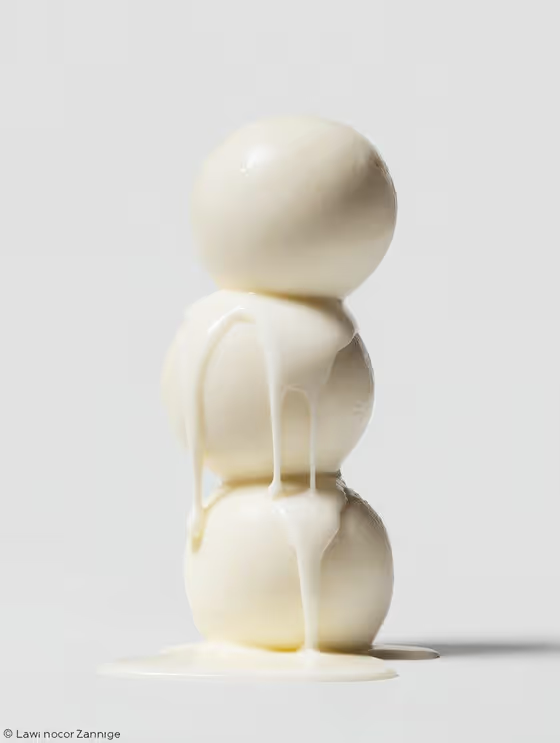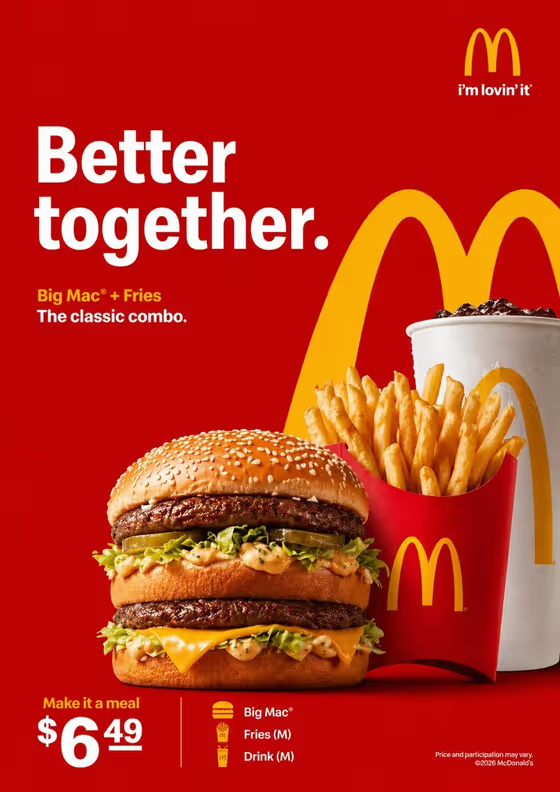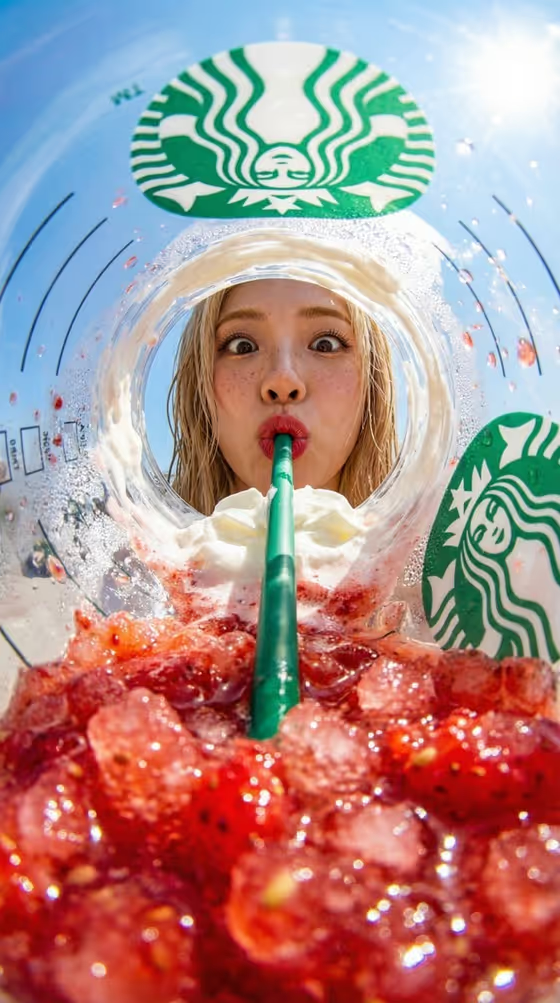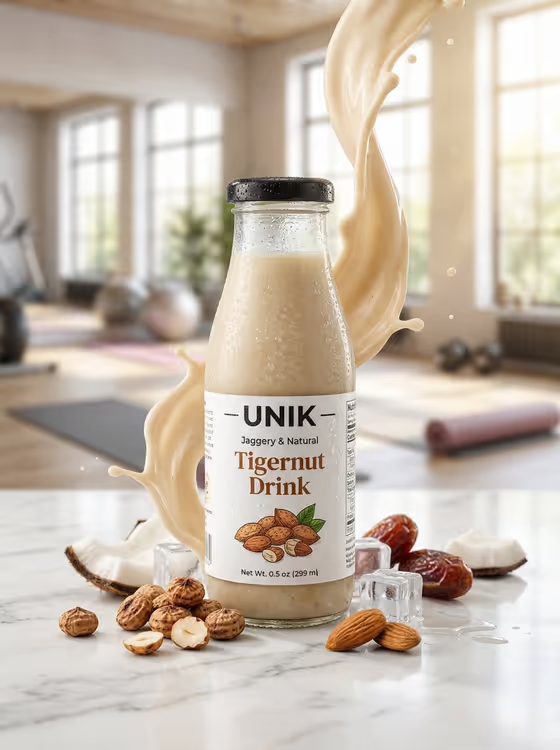
This template turns a beverage bottle into a commercial-style advertisement. The cover shows a chilled bottle on a marble countertop, with a swirl of creamy milk rising behind it, ice cubes scattered nearby, and tigernuts, almonds, coconut and dates around the base, all in front of a softly blurred, bright fitness studio.
It suits small beverage brands, founders, and social media or marketing teams who want a polished campaign visual of a drink without arranging a physical shoot. The output is a 3:4 image, so it fits vertical placements well.
You only fill in one field, Beverage product, and you can either describe the item in text or use a photo of it.
What works best as input
- If you use a photo of your bottle, pick a clear, well-lit shot with the whole bottle visible, including the cap and the label, so the product reads accurately in the ad.
- Keep the background of your reference photo simple. A plain surface helps the bottle stand out as the single subject.
- Avoid heavy glare, cropped edges, or blurry labels, since the label is what makes the bottle recognizable as your brand.
- If you prefer to type, name the item the way the placeholder does, for example 'a tigernut drink bottle', and add short details like bottle shape or label look.
- Only one reference photo is expected, so choose the single best angle of your product.
How to use it
- Open the Tigernut Drink Campaign template in Phosphene.
- In the Beverage product field, describe your drink or attach a photo of your bottle. You can start from one of the examples, such as 'a tigernut drink bottle' or 'my exact referenced item'.
- Generate the image and wait for the 3:4 result to finish.
- Review the bottle, label, splash and ingredients. If something is off, adjust your product description or swap the reference photo and generate again.
Tips for a better result
- Use 'my exact referenced item' style wording together with a photo when you want the result to follow your real bottle as closely as possible.
- Be specific about the container, such as glass bottle, color of the cap, or label style, so the generated bottle matches what you sell.
- The scene is built around tigernuts, almonds, coconut and dates, so this template works best for plant-based or nut-style drinks that fit those ingredients.
- Try a few different product descriptions or reference angles and compare, then keep the version where the label looks clearest.
Common mistakes
- Uploading a photo where the label is small, angled away, or blurry, which makes the branding harder to reproduce cleanly.
- Describing a product that has nothing to do with the scene, such as a sculptural object, then expecting the ingredients and gym setting to make sense for it.
- Writing a very long description in the Beverage product field. This template needs just the product, since the splash, ice and setting are already set for you.
FAQ
Do I have to upload a photo?
No. The Beverage product field accepts a text description, and it also accepts a photo if you want the result based on your actual bottle.
Can I change the background or the ingredients?
The setting, splash, ice and ingredients are part of the template's fixed direction. Your input controls the product shown.
What shape is the output?
The result is a single image in a 3:4 vertical ratio.
Will my label text appear exactly as it is?
A clear reference photo gives the best chance of a close match, but review the generated label and regenerate if details look off.