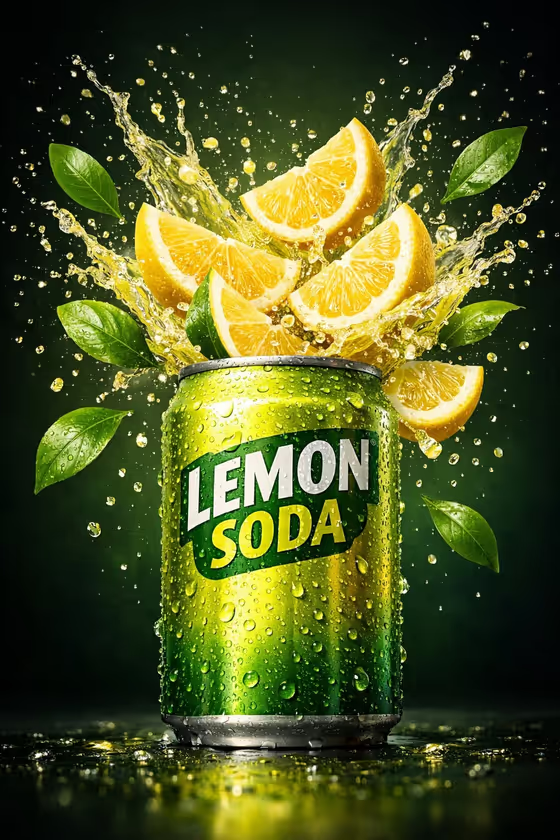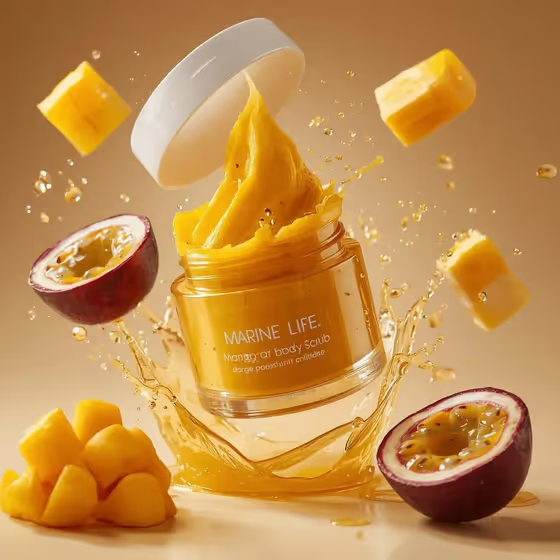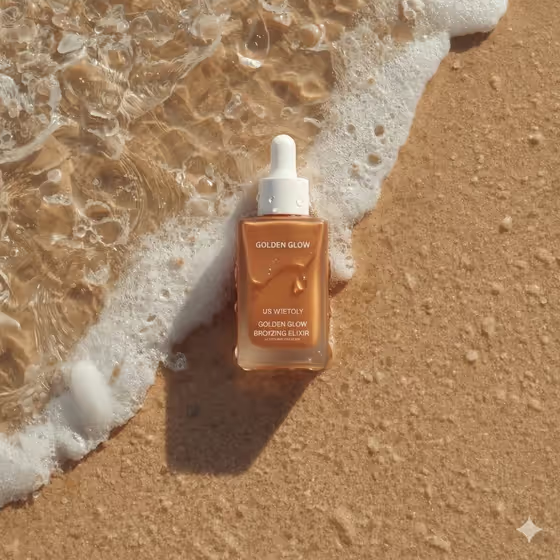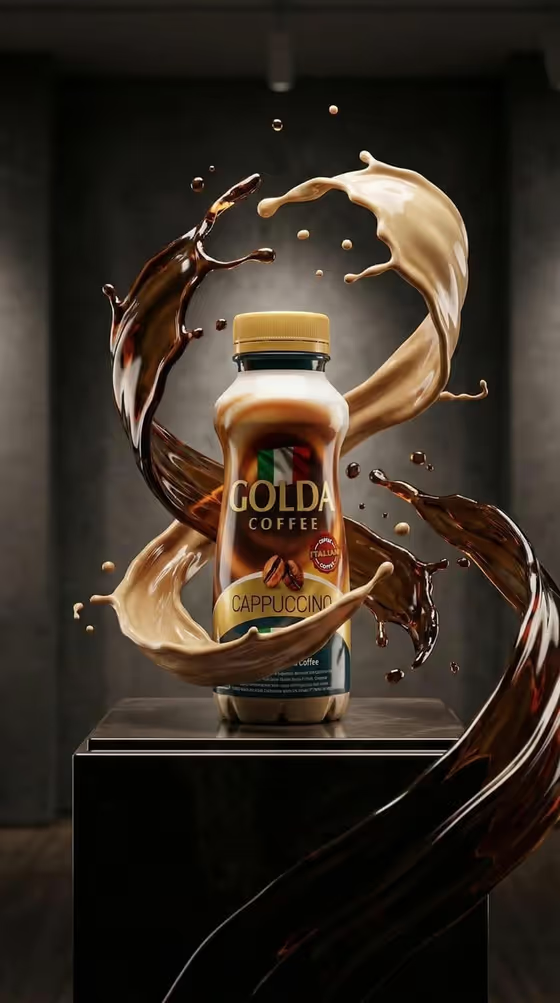
This template builds a premium-style coffee advertisement image around a single centered bottle or can. Two liquids spiral through the air around the product with frozen droplets, and the scene sits inside an elemental backdrop such as molten lava and sparks. The output is a 3:4 image.
It suits small coffee brands, makers, and designers who want a product hero shot without a studio setup. You describe the drink (or upload a reference of it), pick one environment and one pair of liquids, and the template handles the lighting and splash composition.
What works best as input
- For the Coffee beverage product field, you can either type a short description like "cappuccino coffee bottle" or upload a reference photo of the package. Use whichever shows your product more accurately.
- If you upload a reference, pick a clear, front-facing photo of the bottle or can with the label fully visible and in focus. The template aims for sharp label detail, so a readable source helps.
- Avoid cluttered reference photos with other objects, hands, or heavy reflections covering the label. A clean, evenly lit shot gives the cleanest result.
- If you type instead, name both the container and the drink, for example "cold brew glass bottle" or "oat latte can", so the right packaging shape is centered.
- The Elemental environment and Liquid splash blend fields are text choices only, so there is no photo to upload for them.
How to use it
- Open the Elemental Coffee Bottle Ad template in Phosphene.
- In Coffee beverage product, type your drink and container or upload a reference photo of the package.
- Set Elemental environment (for example molten lava and sparks) and Liquid splash blend (for example espresso and creamy milk). Keep to one environment and two liquids.
- Generate the image, then review the bottle placement, label clarity, and swirl shapes, and adjust the fields and run again if needed.
Tips for a better result
- Match the liquids to the drink. A cappuccino pairs naturally with espresso and creamy milk, while a cold brew suits dark cold brew and vanilla foam.
- Try the other environment examples, such as ice shards and cold mist or veined marble and gold haze, to get a very different mood from the same product.
- Pick liquids with clear color contrast (a dark one and a light one) so the two swirls stay distinct and readable around the bottle.
- Keep the product description short and specific rather than stacking many adjectives, so the packaging stays the focus.
Common mistakes
- Mixing several elements into the environment field. The field is meant for one focused setting, and combining many can muddy the scene.
- Using a blurry or cropped reference photo, which makes the label less likely to come out sharp.
- Choosing two liquids that look alike, which makes the airborne swirls hard to tell apart.
FAQ
Do I have to upload a photo?
No. The Coffee beverage product field accepts either a typed description or an uploaded reference of the package.
Can I change the background?
Yes. Use the Elemental environment field to choose a setting like molten lava and sparks, ice shards and cold mist, or a dark studio with glowing smoke.
What shape is the final image?
The template outputs a 3:4 image with the product centered.
Can I choose which liquids swirl around the bottle?
Yes. The Liquid splash blend field lets you pick the two liquids, such as caramel coffee and oat milk or mocha and whipped cocoa.