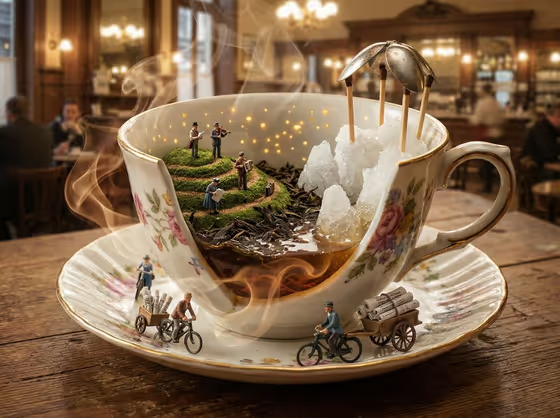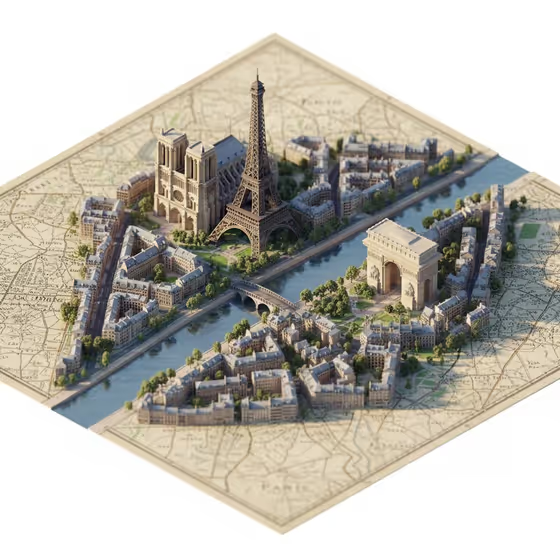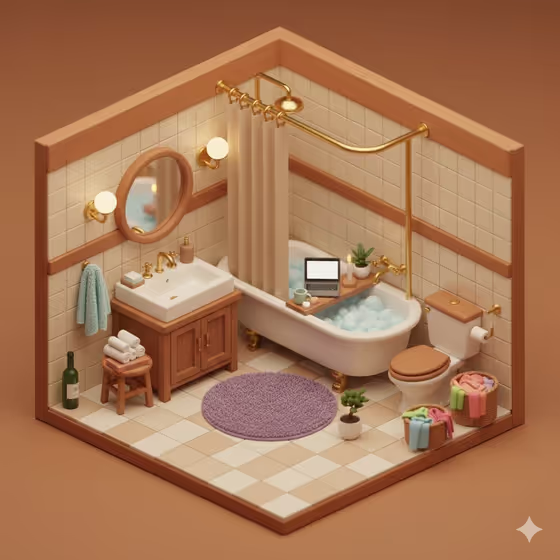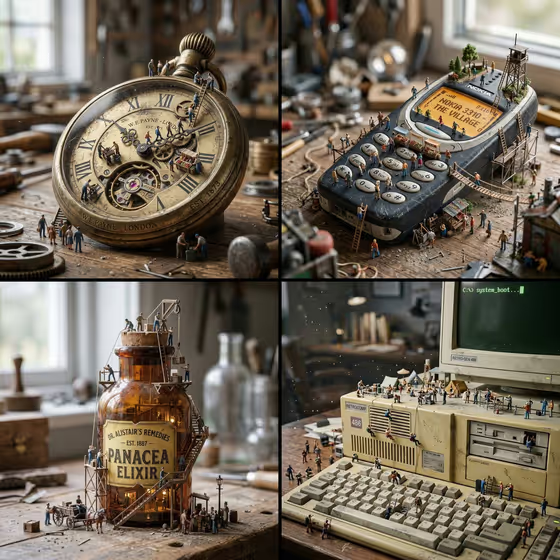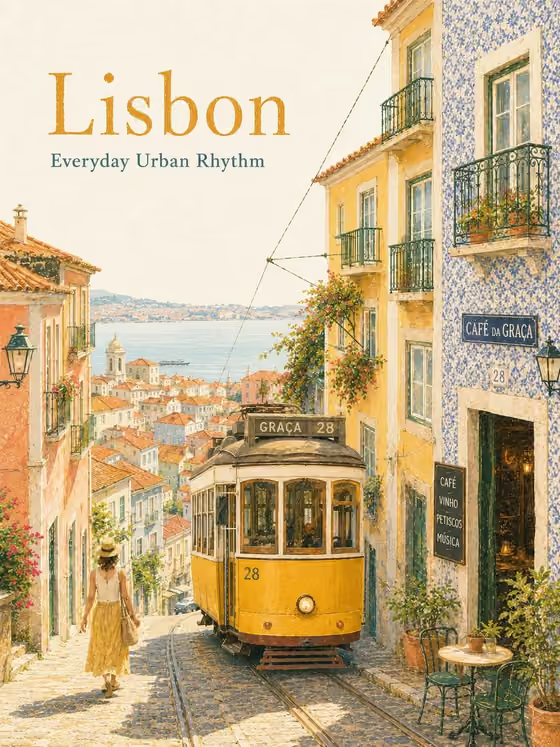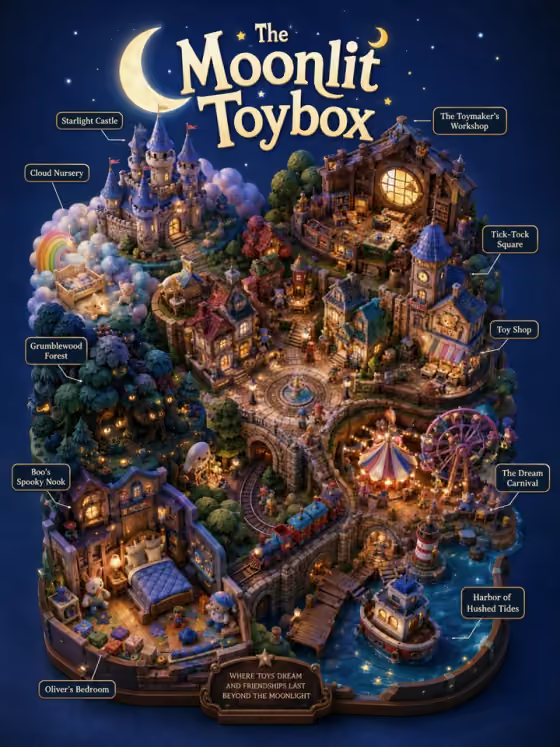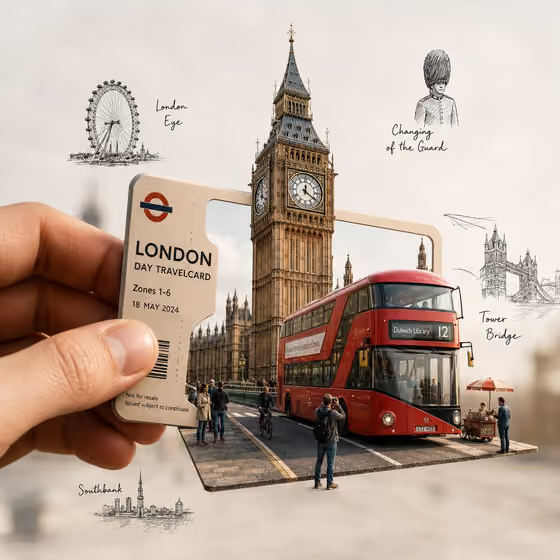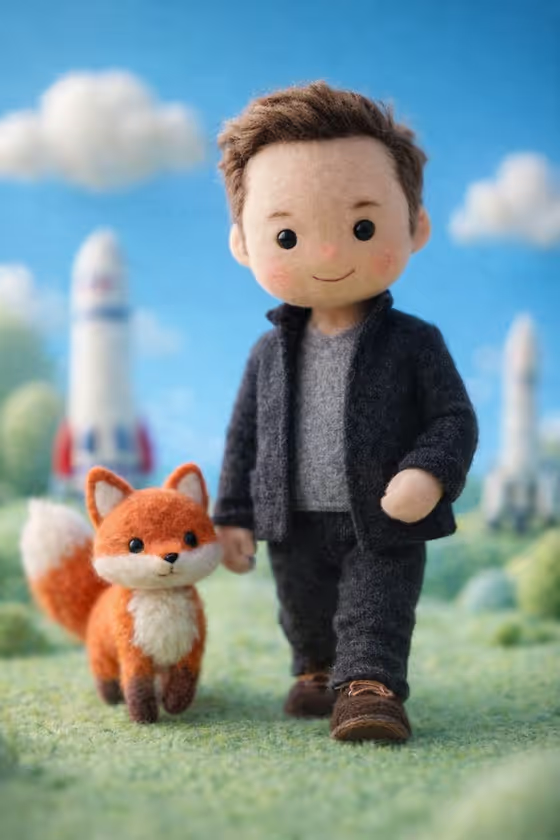
Felt Icon Doll turns a figure into a soft, handcrafted wool miniature in the style of stop-motion animation. The result is a 3:4 image with simplified button-like features, visible fibers, a casual outfit in matching colors, and a cozy pastel world around the doll, like the grassy hills and tiny background details in the cover.
It suits anyone who wants a cute, tactile character portrait for a profile picture, a gift card, a themed post, or just for fun. You pick the figure and a felt story setting, and the template handles the wool, stitching, and macro-photo look.
What works best as input
- For the Celebrity Character field you can describe the figure in text or add a reference photo, since this slot accepts a photo. A clear, well-lit reference helps the doll keep the right silhouette and clothing colors.
- Choose a reference where the whole outfit and pose are visible. The template aims to preserve the signature clothing colors, pose, and gentle expression, so a cropped face-only image gives it less to work with.
- If you type instead of uploading, describe the person's role and look, such as the examples 'a visionary technology founder' or 'a legendary football player'. Mention the outfit colors you want to see in wool.
- Avoid busy backgrounds or heavy filters in your reference. A simple background makes it easier to read the figure's shape and clothing.
- Only use photos you have the right to use, and keep your choices respectful of the person shown.
How to use it
- Open the Felt Icon Doll template in Phosphene.
- In Celebrity Character, describe the figure or add a reference photo. This field is required.
- In Felt Story Setting, type the world the doll should stand in, such as pastel hills and grassy terrain or a tiny concert stage and fabric lights. This field is text only and also required.
- Generate the image, then review the doll's outfit, pose, and setting. Adjust either field and run it again if something is off.
Tips for a better result
- Make the setting match the figure's world. The examples pair a mini stadium and wool banners with an athlete and a storybook city and stitched clouds with a film figure, which keeps the scene coherent.
- Add small, concrete props to the setting, like fabric lights or wool banners. The template favors tiny tactile details, so named objects tend to show up as felt miniatures.
- Mention signature clothing colors in your character description. The template tries to carry them over into knitted wool and cut felt.
- Try the same figure in several settings to get a little series of felt scenes with a consistent doll.
Common mistakes
- Writing a vague description like 'a famous person' with no reference. Give a role, look, or outfit detail so the doll has something recognizable to build from.
- Putting a long, crowded scene in Felt Story Setting. Several competing locations can clutter the miniature, so keep it to one clear setting.
- Expecting readable text or logos in the scene. The template is built around soft wool forms, so lettering and branding are not its strength.
FAQ
Can I upload a photo for the setting too?
No. Only the Celebrity Character field accepts a photo. Felt Story Setting is a text description.
What does the output look like?
A 3:4 image of a felt doll with button-like features and visible wool fibers, standing in a soft pastel miniature world with shallow depth of field and a stop-motion feel.
Do I have to fill in both fields?
Yes, both Celebrity Character and Felt Story Setting are required.
Will the doll keep the outfit from my reference?
The template aims to preserve the silhouette, signature clothing colors, pose, and gentle expression, translated into wool and felt. Results can still vary, so check the outfit and rerun if needed.