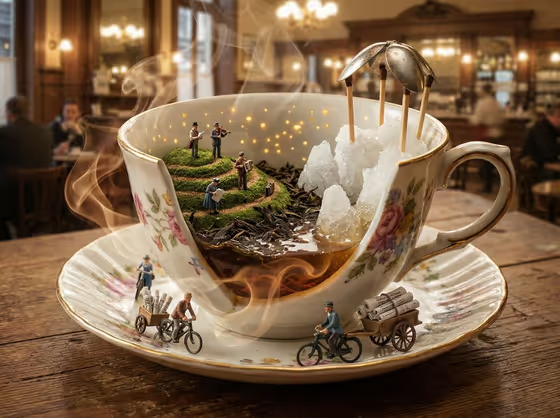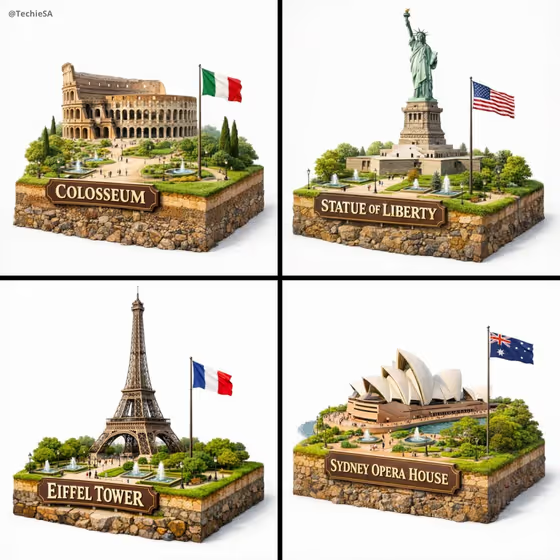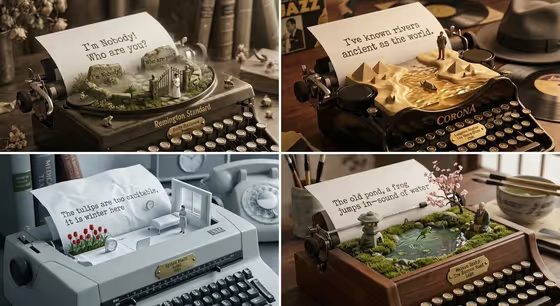
Literary Curator & Typewriter turns a vintage typewriter into a 2x2 grid of miniature 3D landscapes. In the cover, each panel pairs a different typewriter and desk setting with a sheet of paper whose typed line rises into a small scene, such as a garden gate, a stretch of river with pyramids, a snowy room with red tulips, or a mossy pond with a stone lantern.
It suits poetry lovers, writers, teachers and anyone who wants a shareable, bookish illustration built around a poet or a mood. You choose the portrait subject and a creative direction, and the template shapes the four panels around them in a 16:9 image.
What works best as input
- The Portrait subject field accepts a photo or a text description. If you upload a photo, pick a clear one of a single person with the face and general styling easy to read.
- If you type instead, be specific and short, like the examples offered: "a joyful young woman" or "a distinctive creative professional". Vague text gives the template less to build on.
- Use a photo of yourself or someone who is happy to be depicted. Avoid images of public figures.
- Good lighting and an uncluttered background help the template keep the source's composition and lighting, since it is set to preserve those defining qualities.
- The Creative direction field is not a photo field. Choose or describe a style there, such as Clean editorial, Cinematic dramatic, Playful colorful or Quiet premium.
How to use it
- Open the Literary Curator & Typewriter template in Phosphene.
- In Portrait subject, upload a photo or type a short description of the person you want the grid built around.
- In Creative direction, choose one of the options or write your own, for example Quiet premium for a calmer look or Playful colorful for brighter panels.
- Generate the image, then review the 2x2 grid. Check that each panel has its own typewriter, paper and miniature landscape, and rerun with adjusted inputs if you want a different feel.
Tips for a better result
- Match the direction to the mood you want. Cinematic dramatic suits moody desks and strong light, while Playful colorful suits brighter, lighter scenes.
- Try the same subject with two different directions to compare how the typewriters, props and palette change across the grid.
- Keep your subject description focused on one clear idea rather than a long list, so the four panels stay coherent as a set.
- The 16:9 format works well as a banner or a slide, so frame your idea with a wide layout in mind.
Common mistakes
- Typing an overly long or contradictory description in Portrait subject, which can muddy the four panels instead of giving them a shared theme.
- Uploading a low-quality, heavily cropped or group photo, which gives the template little clear to work from.
- Leaving Creative direction generic when you have a specific mood in mind, so the result feels less tailored than it could.
FAQ
Do I have to upload a photo?
No. The Portrait subject field accepts either a photo or a text description, so you can type something like "an expressive young man" instead.
What does Creative direction change?
It sets the overall style of the grid. Options include Clean editorial, Cinematic dramatic, Playful colorful and Quiet premium, and you can describe your own.
What will the output look like?
A single 16:9 image divided into four panels. Each shows a vintage typewriter with a sheet of paper, and the typed text rises into a miniature 3D landscape.
Will each panel use the same typewriter?
The template is built so each panel features a different typewriter model, as seen in the cover with its varied machines and desk settings.