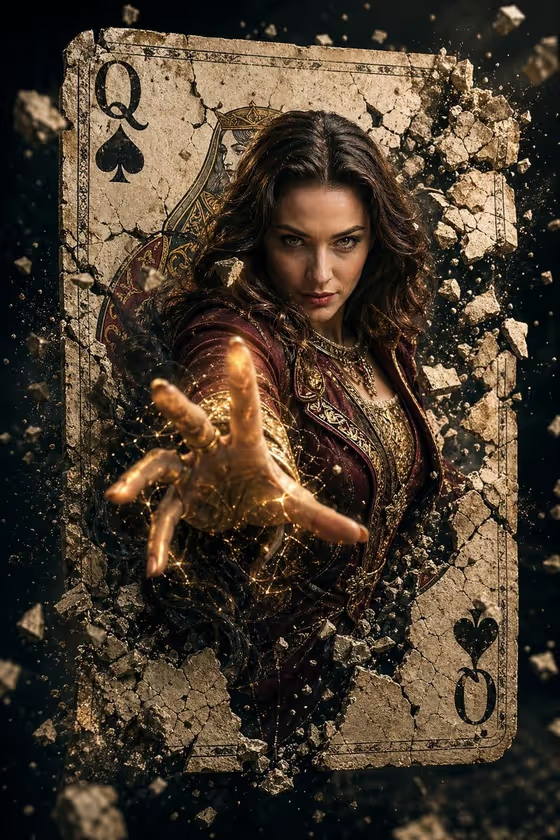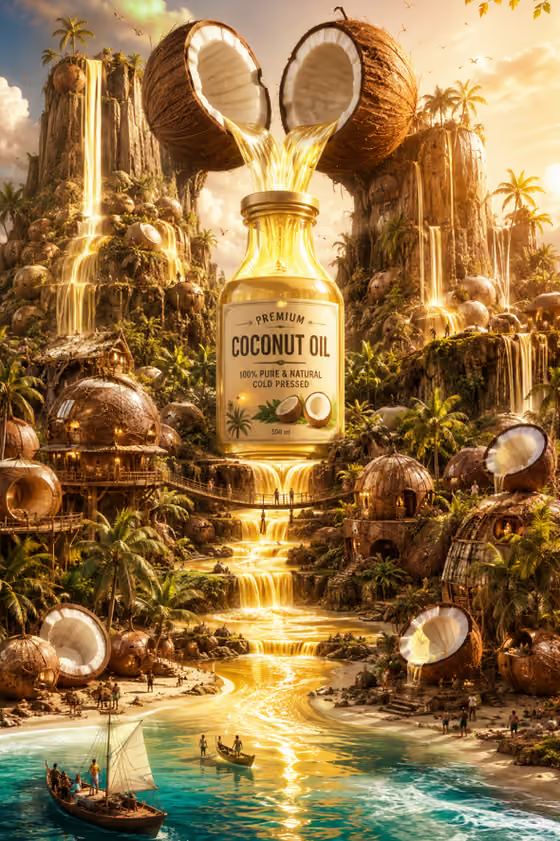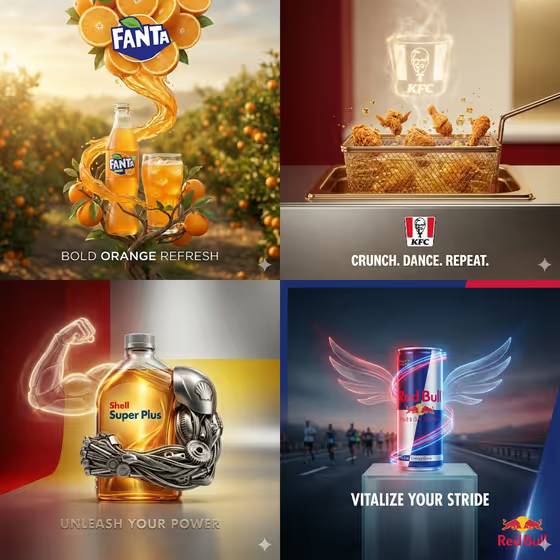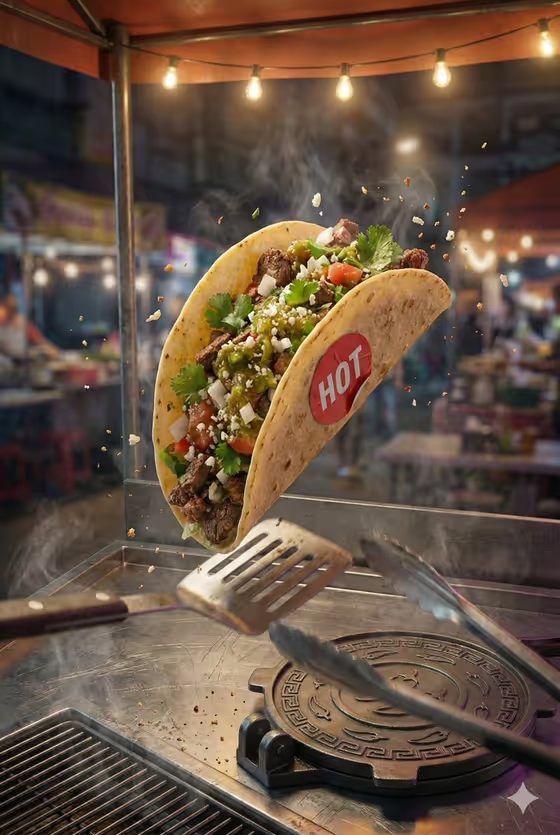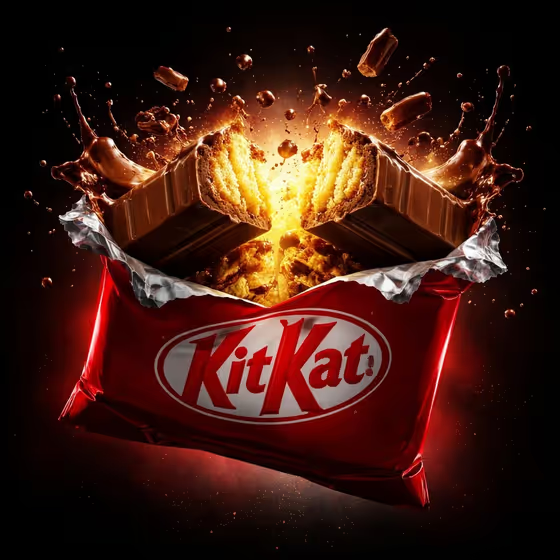
Luxury Flavor Reveal makes a dark, cinematic product ad of a packaged chocolate bar cracking open in zero gravity. The cover shows the idea: a partly unwrapped bar splits mid-air against a black background, with a warm glow at the break, flying fragments, frozen droplets and a rim-lit wrapper.
It suits small food brands, bakers, confectionery sellers and anyone who wants a dramatic hero image for a snack, dessert or beauty-style product. You name the product, set the brand name that appears on it, and choose the flavor element that bursts out.
What works best as input
- For Hero Product, you can describe the product in text or add a reference photo. A clear, well-lit shot of the actual packaging helps the result stay close to your real product.
- If you add reference photos, use sharp images with the product fully visible and no clutter. The template is set to take 2 or more photos, so give it a clean product reference plus a reference for the flavor.
- Brand Name is text only, so type it exactly as it should appear, for example NOIR. Short names are easier to keep legible on the wrapper.
- For Flavor Element, be specific about the ingredient and its texture, such as molten dark chocolate, silky vanilla cream, salted caramel or bright berry filling. You can also add a photo of the filling if you want a closer match.
How to use it
- Open the Luxury Flavor Reveal template in Phosphene.
- Fill in Hero Product with a short description (like a premium chocolate bar) and add your product photo if you have one.
- Type your Brand Name, then fill in Flavor Element with the ingredient you want bursting out, adding a reference photo if useful.
- Generate the image, then review the 3:4 result. Check the brand text, the product shape and the flavor burst, and adjust your fields and try again if something is off.
Tips for a better result
- Match the flavor to the product. A chocolate bar pairs naturally with molten chocolate or salted caramel, while a cream bottle suits silky vanilla cream.
- Keep the product description simple and concrete. The template already adds the dark background, rim light, levitating fragments and brand-color glow, so you do not need to describe the lighting.
- Change only one field at a time between runs, such as swapping the flavor element, so you can see what each change does.
- Try the other example products, like a filled pastry package or a gourmet confection box, to get different reveals from the same dark style.
Common mistakes
- Typing a long or unusual brand name, which can make the wrapper text hard to read or misspelled. Keep it short and double-check the spelling.
- Writing a vague Flavor Element like tasty filling. Name the actual ingredient so the burst looks right.
- Using a cluttered, dark or blurry product photo as the reference, which gives the result less to work with.
FAQ
Do I have to upload photos?
The template is set up for 2 or more photos. Hero Product and Flavor Element accept a photo or a text description, while Brand Name is text only.
What format does the result come in?
It makes a single image in a 3:4 aspect ratio.
Can I use it for products other than chocolate?
Yes. The examples include a filled pastry package, a luxury cream bottle and a gourmet confection box, so you can describe other packaged products too.
Can I change the dark background or lighting?
No. The dark background, rim light, levitating fragments and brand-color glow are part of the template's fixed direction. You control the product, brand name and flavor element.