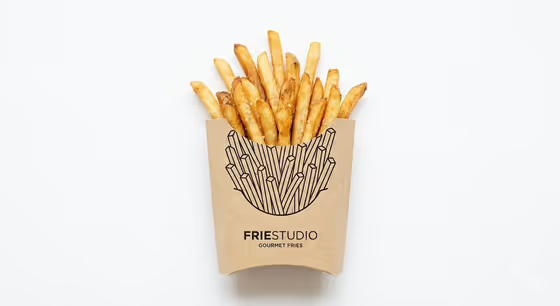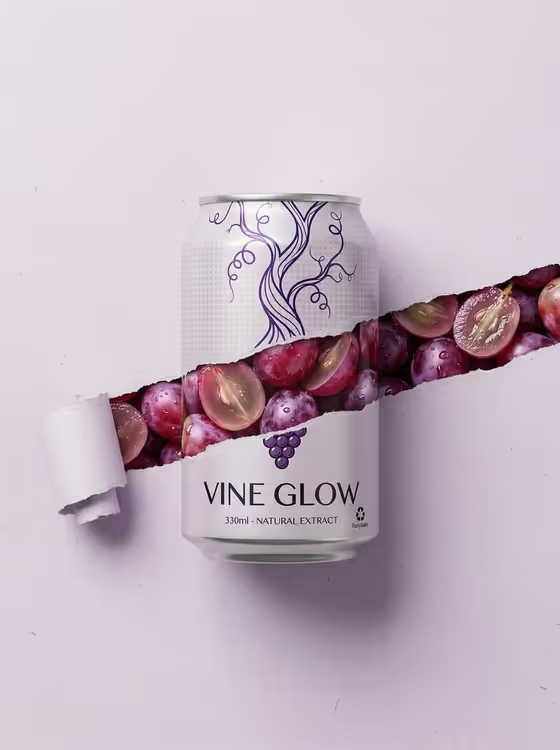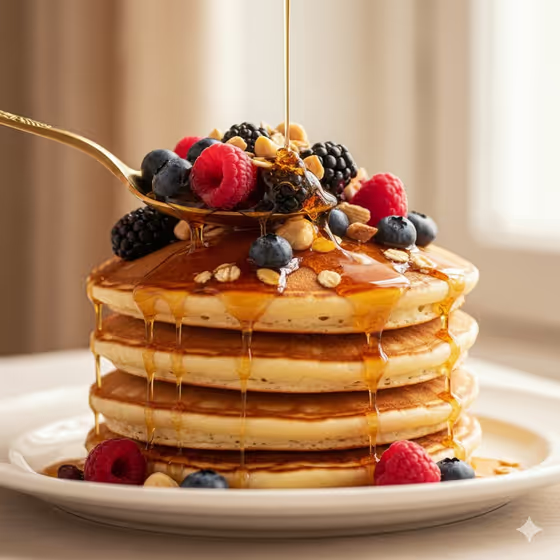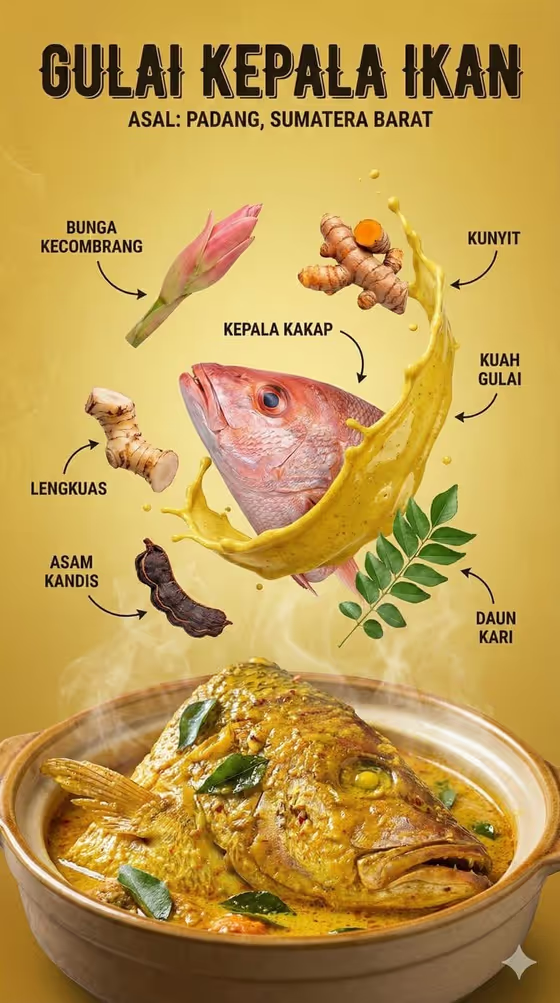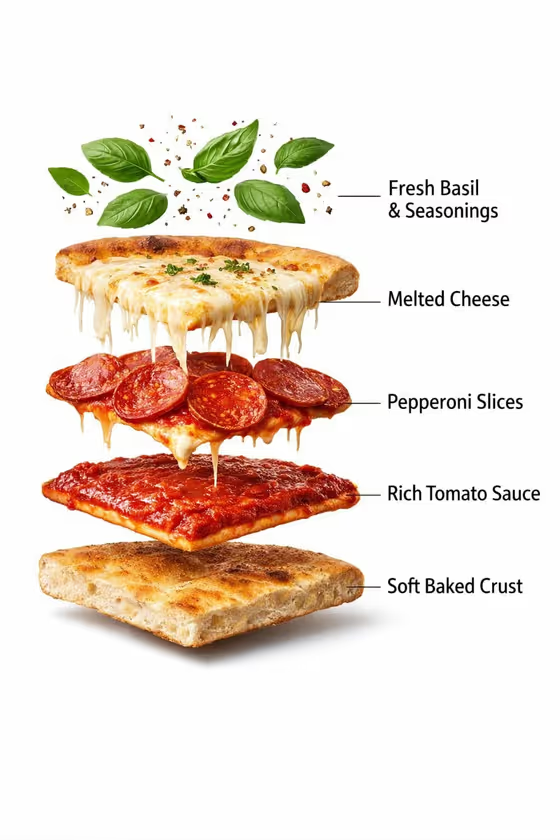
Pure White Pizza Hero turns a dish into a clean food hero shot on a plain white background. The dish is centered, grounded with a soft natural shadow, and shown with no added text, which suits menus, delivery listings, product pages and ad layouts where you want the food alone.
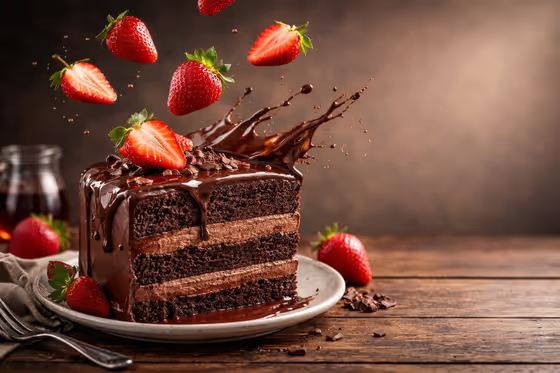
You pick the dish, choose the kind of motion you want around it (cheese stretch, floating herbs, a frozen sauce ribbon, ingredients lifting from the dish), and set a text policy. The result is a single 3:4 image. The cover shows the idea: a pizza slice with its layers separated in mid-air, with basil and seasoning floating above.
What works best as input
- In the Food product or dish field, you can upload a photo of your dish or describe it in words. A photo of a fully prepared serving gives the template the clearest reference for crust, sauce, cheese and garnish.
- Use a photo where the dish is easy to see: the whole serving in frame, in focus, with even light. Hands, packaging and busy props in the original are not wanted in the final shot, so a simple source helps.
- If you type instead, be specific. Something like "pepperoni pizza slice" or "loaded taco" works better than just "food".
- Pick one serving rather than a table full of dishes. The template isolates a single prepared serving on white.
How to use it
- Open the Pure White Pizza Hero template in Phosphene.
- Fill in Food product or dish by uploading a photo or typing a description such as "pepperoni pizza slice".
- Choose a Food motion, for example "cheese stretch over the edges" or "crumbs and herbs floating above", then set the Rendered text policy, such as "No added text".
- Generate the image, then check the crust, sauce, cheese and garnish detail, and the shadow under the dish, before using it.
Tips for a better result
- Match the motion to the dish. Cheese stretch suits pizza and grilled cheese, while "sauce ribbon frozen mid-air" fits saucy dishes like a loaded taco.
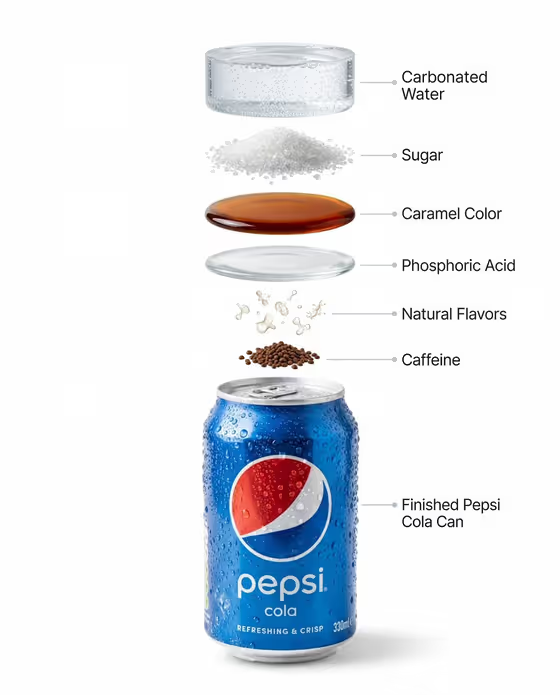
- Try "ingredients lifting from the dish" when you want a layered, exploded look like the cover image, with each component visible.
- Keep the Rendered text policy strict, such as "No labels" or "Visual-only food image", if you plan to add your own typography later in a design tool.
- Generate a few versions with different motions for the same dish and compare them side by side.
Common mistakes
- Describing the dish too vaguely. A short, specific name gives better results than a general word like "lunch".
- Uploading a photo with hands, packaging or props in it and expecting them to stay. The template is built to show a clean serving without them.
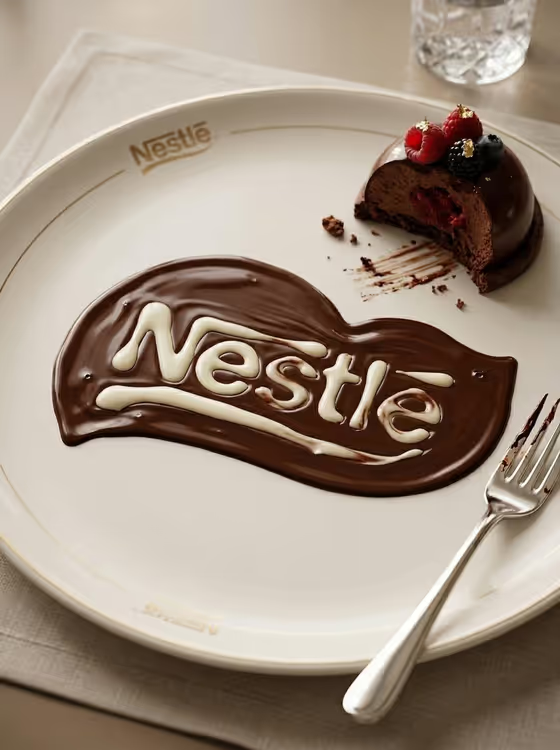
- Asking for text in the image. The template is designed around no added text, so put names, prices or logos on afterward.
FAQ
Can I upload my own dish photo?
Yes. The Food product or dish field accepts a photo as a reference, or you can type a description instead.
Will the image include text or labels?
The template is set up for visual-only results. Use the Rendered text policy field with options like "No added text" or "No labels" to keep the image clean.
What background do I get?
A pure white background with a soft, natural grounding shadow under the dish.
What shape is the output?
A single image in 3:4 aspect ratio.