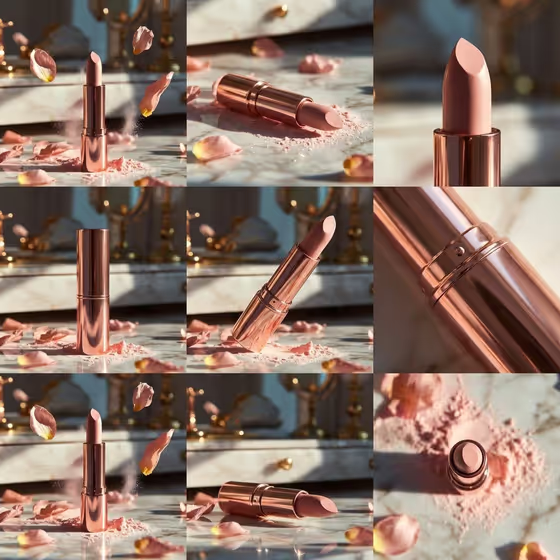
This template turns your product into a nine-frame sequence laid out as a 3x3 grid, styled like a luxury vanity shoot. The cover shows a rose-gold lipstick on reflective marble with scattered petals, powder dust, warm shadows and blurred golden mirrors behind it, shown from several angles from a full hero shot to tight macro details.
It suits cosmetics and beauty products, and the same setup is built to work for other small premium objects such as an accessory or a branded item. If you want one consistent set of frames to show a product from different angles, this gives you that in a single 3:4 image.
What works best as input
- The upload requirement is two or more photos, so add at least two clear shots of your product. Different angles (front, side, a close detail) give the template more to work from.
- For the Featured product or prop field, you can add a photo or describe the item. Names like "a sculptural fashion accessory" or "a distinctive branded object" show the level of detail that fits.
- Pick photos where the product's shape, finish and any metallic or glossy surface are easy to see. Sharp, evenly lit images help keep materials consistent across all nine frames.
- For the Portrait subject field, you can add a photo or type a short description such as "a confident adult". Only use photos of people who have agreed to be included.
How to use it
- Open the Elegant Rose-Gold Lipstick Standing template in Phosphene and upload your photos, two or more.
- Fill in Portrait subject and Featured product or prop with a photo or a short description for each.
- Choose a Creative direction, such as Clean editorial or Quiet premium, then describe your Nine-frame product sequence, for example "Hero, detail and petal motion".
- Generate the image, then review the grid. Check that all nine frames look like the same product and adjust your sequence wording if you want a different mix of shots.
Tips for a better result
- Use the Nine-frame product sequence field to steer the story. Options like "Packaging, texture and application" or "Launch story from reveal to close-up" ask for a different balance of wide and close frames.
- Try different Creative direction choices on the same product. Cinematic dramatic and Quiet premium will push the mood in different ways while keeping the vanity styling.
- Keep your product description specific about material and color (for example a glossy metallic finish) so the macro frames have a clear surface to render.
- Run the template more than once with small wording changes and compare the grids to find the arrangement you like best.
Common mistakes
- Uploading only one photo or a blurry one. The template expects two or more, and low-detail inputs make it harder to keep the product consistent across frames.
- Writing vague sequence text such as "nice shots". Name the kinds of frames you want, like hero, detail and petal motion.
- Describing several different products in the Featured product or prop field, which can make the nine frames look inconsistent.
FAQ
Do I have to upload photos?
The template lists an upload requirement of two or more photos. The Portrait subject and Featured product or prop fields accept either a photo or a short text description.
What does the output look like?
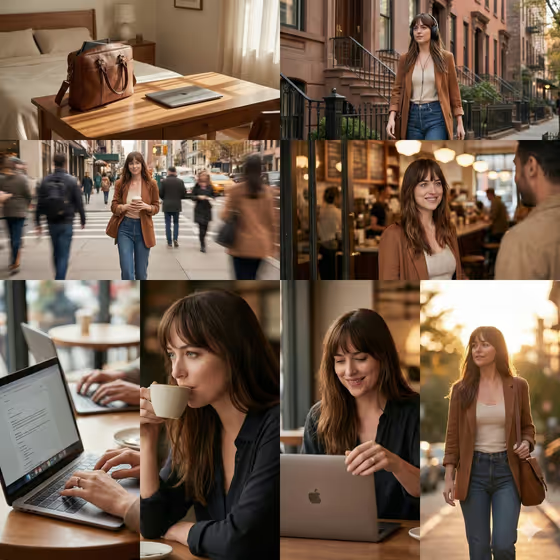
A single 3:4 image arranged as a 3x3 grid of nine frames, in a luxury vanity style with reflective marble, petals and warm studio shadows, as shown on the cover.
Can I use it for products other than lipstick?
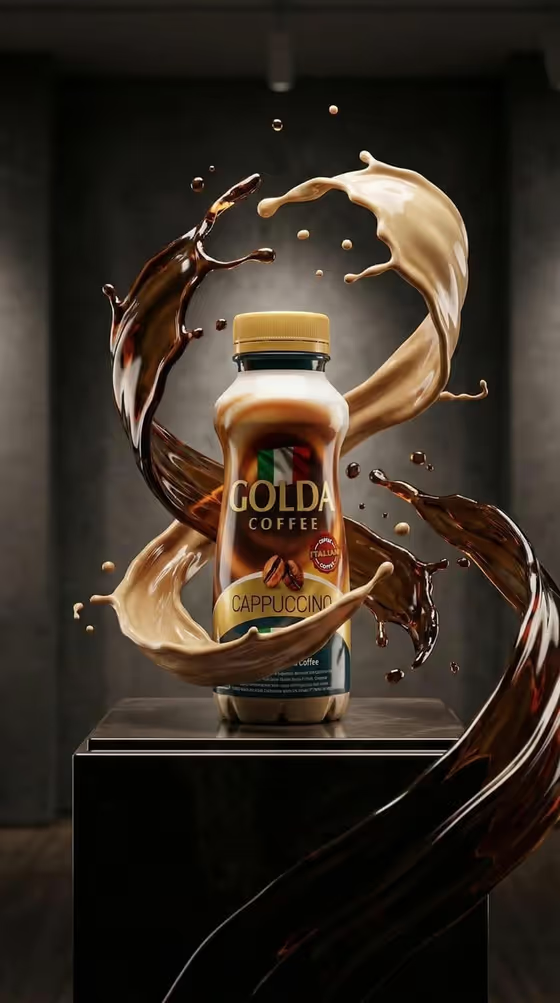
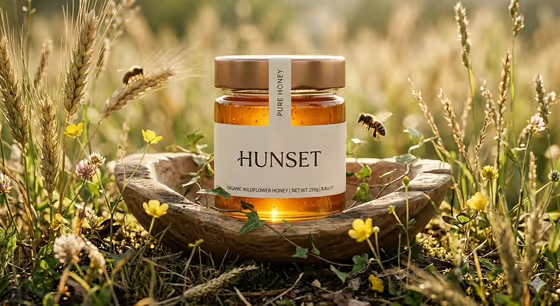
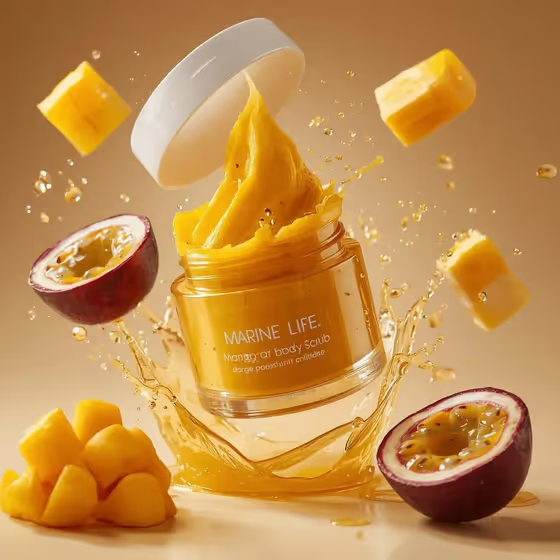
Yes. The Featured product or prop field takes any item, and the examples include a beverage bottle, a fashion accessory and a compact device. The marble and petal styling stays part of the look.
How do I change which angles appear?
Edit the Nine-frame product sequence field. Describing the shots you want, such as packaging, texture or close-ups, guides what the grid shows.