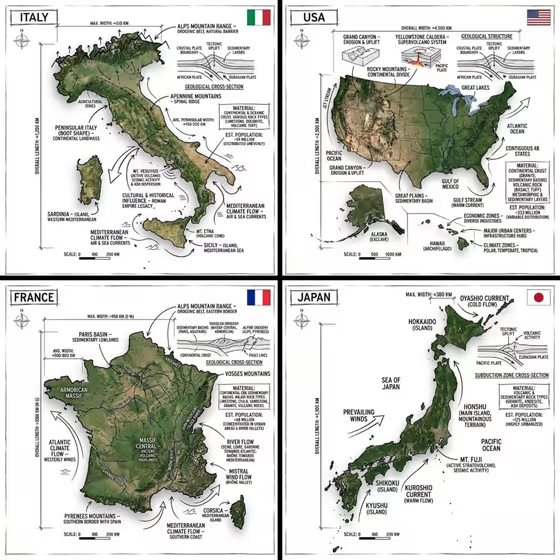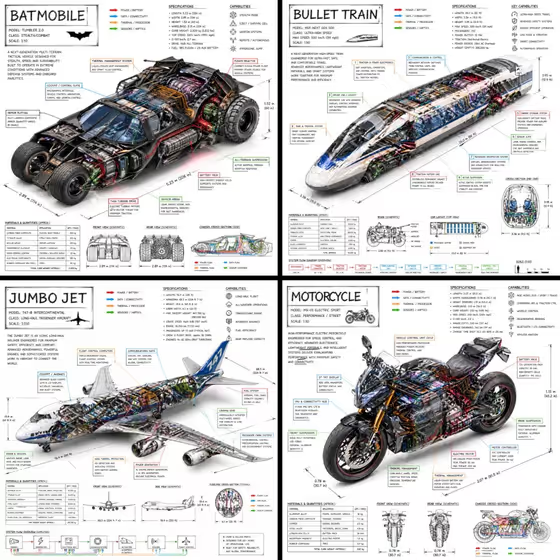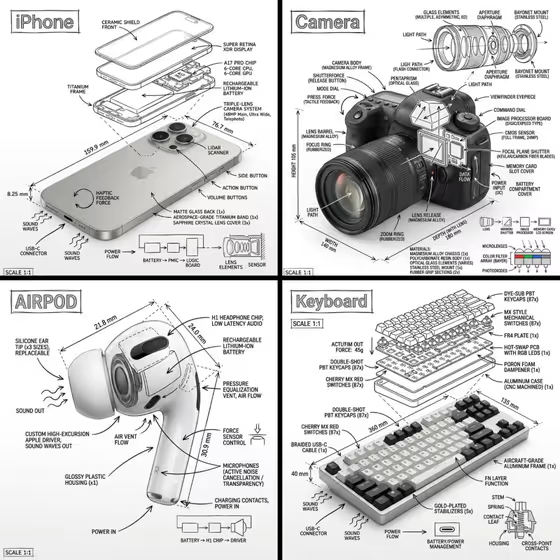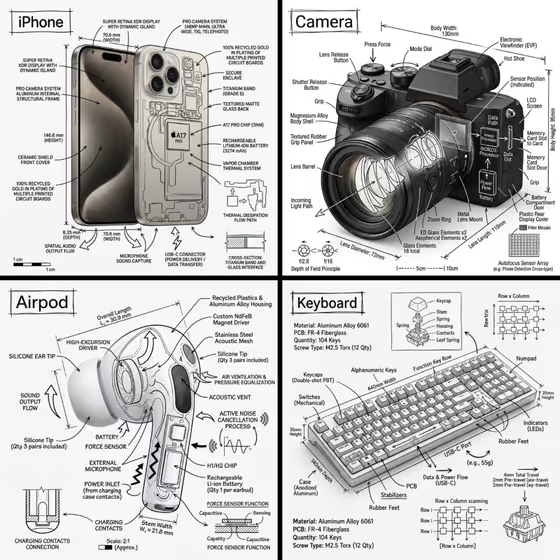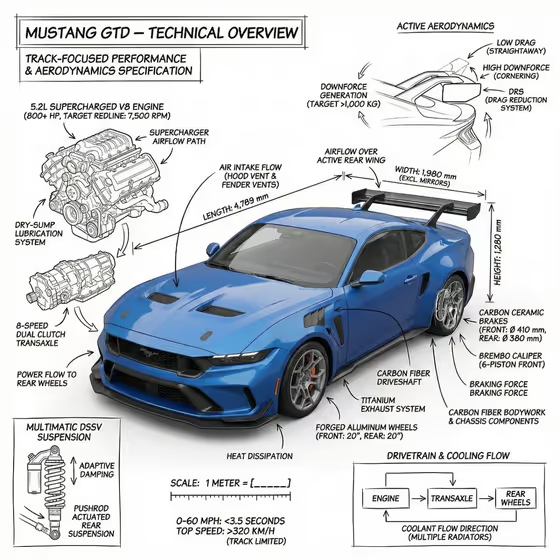
This template turns a car into a technical overview sheet. It places a photorealistic render of the vehicle on a white studio ground and layers black, hand-sketched style annotations on top: component labels, measurement lines, function arrows, small schematic diagrams and a title in a boxed corner.
It suits car enthusiasts, designers, and anyone making an engineering-manual or museum-exhibit style poster or social post about a performance car or a similar product. The cover shows the idea: the car stays clearly visible in the center while callouts, cutaway sketches and spec notes surround it.
What works best as input
- The performance car product or object field accepts either a text description or an uploaded photo, so you can give the car's name or style in words or supply a reference image.
- If you upload a photo, pick one where the whole car is visible, sharply focused and not cropped, so the render keeps its shape and the annotations have clear places to point.
- A side-on or three-quarter view with an uncluttered background gives the clearest result, similar to the angled front view on the cover.
- If you type a description, name the car or describe its defining features (body style, wing, wheels, hood vents) so the labels can match real parts.
- Use the example 'a premium unbranded alternative' style of wording if you want a car design without a specific badge, or 'my exact product reference' when you are uploading your own image.
How to use it
- Open the Annotated Performance Car template in Phosphene.
- In the performance car product or object field, type a description of your car or upload a reference photo.
- Choose an option in Product presentation, such as annotated product breakdown, to set how the subject is framed.
- Generate the image, then check that the car is clearly visible and the labels, arrows and measurement lines read cleanly.
Tips for a better result
- Be specific about the car in the first field. A detailed description gives the annotations more real components to label, like the engine, brakes and wing seen in the cover.
- Try different Product presentation choices to compare a clean studio look against the full annotated breakdown.
- If you want the sketch overlays to feel accurate, upload a reference photo that shows distinctive parts such as vents, spoilers and wheels.
- Generate more than once with the same input. Each run can arrange the callouts and diagrams differently, so you can pick the layout you like best.
Common mistakes
- Entering a vague subject like just 'car'. The annotations work best when the vehicle and its key features are described.
- Uploading a heavily cropped or cluttered photo, which makes it hard for the render to stay clean beneath the annotations.
- Expecting exact, verified specifications. The labels and numbers are illustrative artwork, so double-check any figure before publishing it as fact.
FAQ
Can I upload my own car photo?
Yes. The performance car product or object field accepts an uploaded photo as well as a text description.
What does the output look like?
It is a 3:4 image of a photorealistic car on a white studio ground with black hand-sketched style annotation lines, arrows, labels and measurement markers around it.
Will the specs on the image be accurate?
Treat them as design elements. The numbers and callouts are generated artwork, so verify any technical detail yourself before sharing it as factual.
Can I use it for something other than a car?
The field is labeled performance car product or object, so you can describe another product or object, though the template is built around a performance-car look.