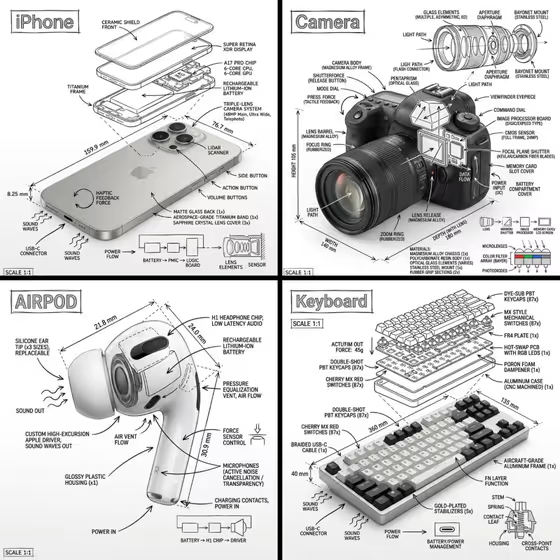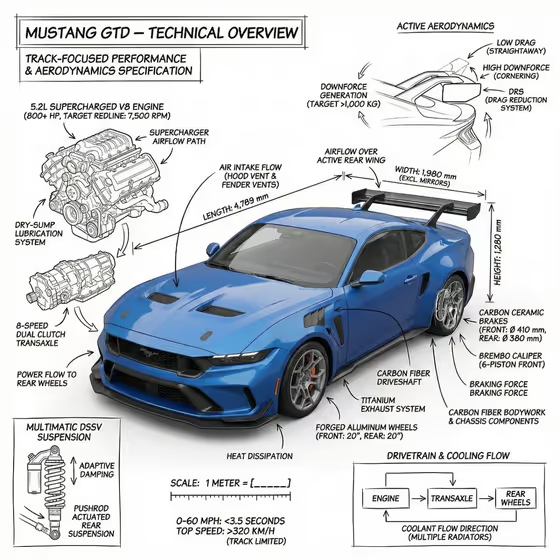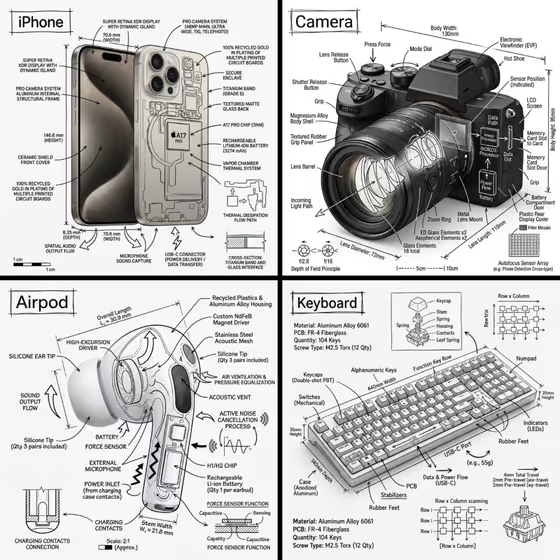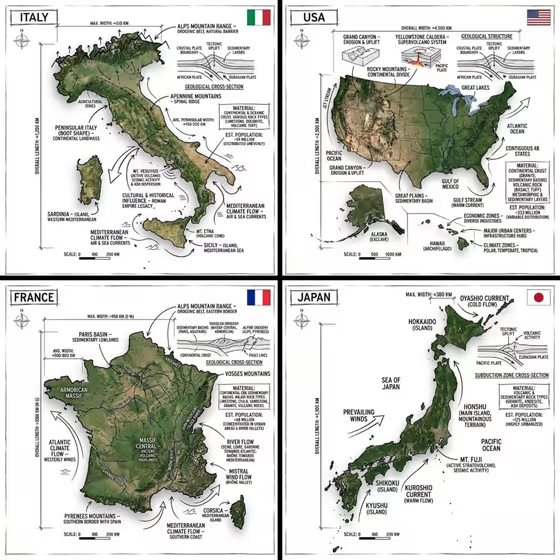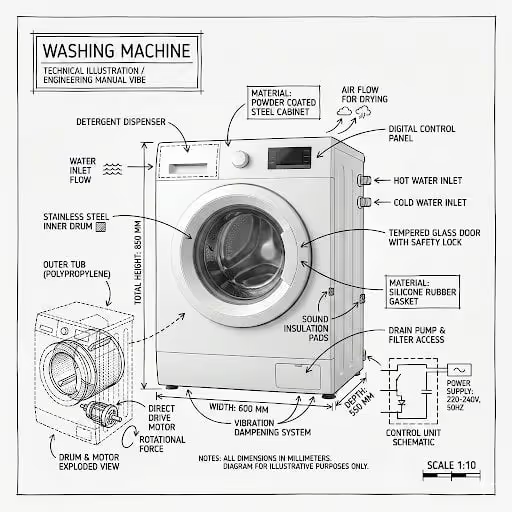
This template turns a single product into an annotated technical diagram. A realistic washing machine sits in the center of a white page, with black pen-style linework layered on top: labeled components, an exploded view of the drum and motor, dimension lines, material callouts, and arrows showing things like water flow and rotational force.
It suits product pages, explainer posts, repair-guide mockups, or anyone who wants an engineering-manual look without drawing it by hand. The title goes in a hand-drawn box in one corner, and the result comes out as a 3:4 image.
What works best as input
- In the Product field, the placeholder suggests a short description such as a front-loading washing machine. This text becomes the title in the corner box, so keep it short and clean.
- The Product field also accepts a photo as an exact visual reference. Use one clear, well-lit shot of the whole machine from the front, with nothing cropped off.
- Pick a photo where the door, control panel, and dispenser are all visible, since those are the parts the annotations attach to.
- In the Washing Machine field, describe the machine itself, for example a front-loading washing machine. This field is text only, so describe it in words rather than uploading a photo.
- Avoid cluttered backgrounds or heavy shadows in your reference. The design sits on pure white, so a simple, evenly lit subject translates best.
How to use it
- Open the Washer Technical Blueprint template in Phosphene.
- Fill in the Product field with a short name or description, or add a photo as a visual reference. This text will appear as the title in the annotation box.
- Fill in the Washing Machine field with the machine you want drawn, such as a front-loading washing machine.
- Generate the image, then check that the labels, arrows, and measurements are legible and the machine is still clearly visible beneath the linework.
Tips for a better result
- Try the example variations in the Washing Machine field (refined classic, bold contemporary, playful expressive) to see how the machine's styling changes while the blueprint format stays the same.
- Keep the Product title short. A two or three word name fits the corner box better than a long sentence.
- If you use a reference photo, choose a straight-on angle. The cover shows a front view with the drum cutaway on the left, and a similar angle gives the callouts room to sit around the machine.
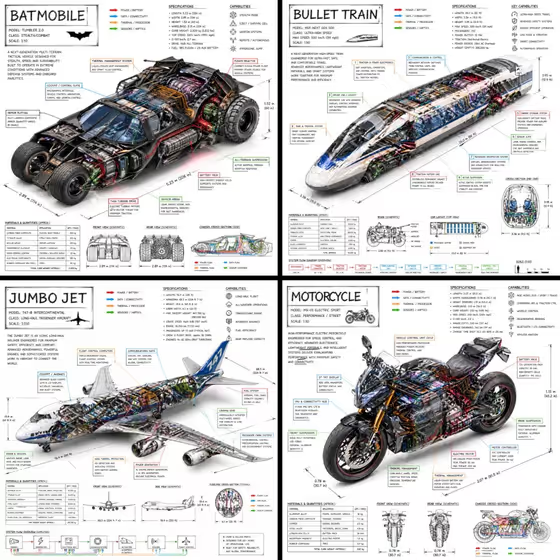
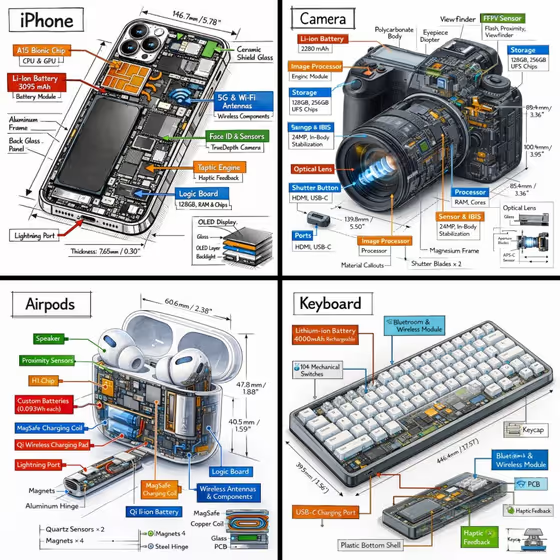
- The template is built for other objects too, such as a fragrance bottle or a compact smart device, so you can reuse the same blueprint look on different products.
Common mistakes
- Using a cropped or angled photo that hides the door or control panel, which leaves the callouts with less to point at.
- Writing a long, detailed paragraph in the Product field. It is used as the title, so a long entry can crowd the title box.
- Expecting every label and measurement to be factually exact. The annotations are illustrative, so double check any dimensions or specs before publishing them.
FAQ
Can I upload my own photo?
Yes, the Product field accepts a photo as a visual reference as well as text. The Washing Machine field is text only.
What is the difference between the Product and Washing Machine fields?
Product sets the title shown in the corner annotation box, while Washing Machine describes the machine that gets drawn and annotated.
What colors will the result use?
The design is meant to be a white background with black linework and text only, in a sketched engineering-manual style.
Can I use it for something other than a washing machine?
The examples in the Product field include a fragrance bottle, a compact smart device, and a packaged good, so the blueprint style is not limited to washers. The Washing Machine field is built around the washer, though.