Practical AI image and video guides
Workflows, prompts, and tools for your next image or video.
All articles
239 articles · Page 16 of 20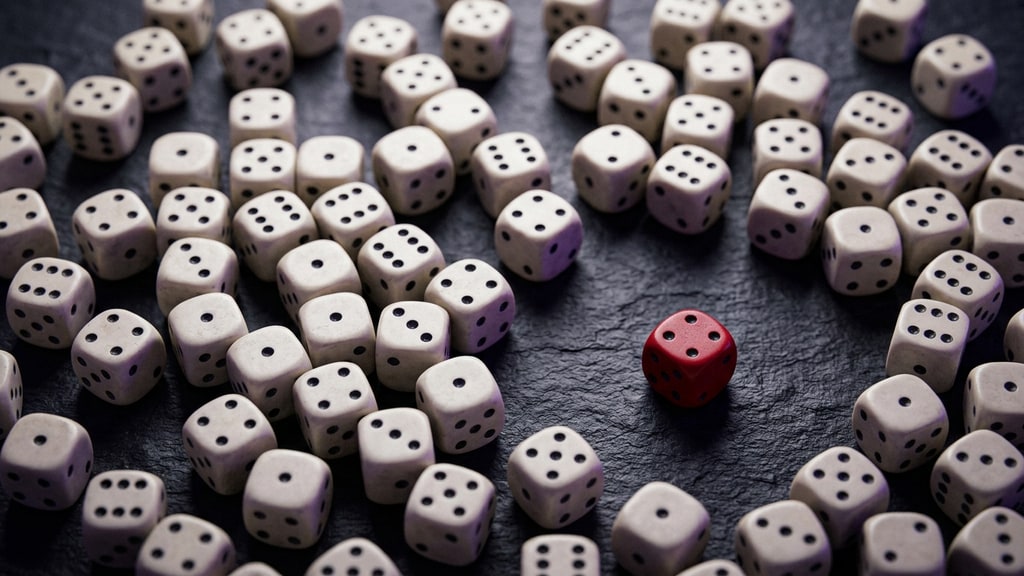
Why 'Random' in AI Isn't Random: The Number 17, Seeds, and Getting Real Variation
Ask an AI to pick a number and it keeps choosing 17. That is not a glitch: language models can reproduce statistical preferences instead of uniform chance, and the same mechanism may shape the variety and composition of the images a generator gives you. Here is how to actually force variation instead of trusting a reroll button.

The DALL·E 2 Nostalgia: Why Imperfect AI Images Are the Ones We Miss
A viral side-by-side of the same cookie still life generated with DALL·E 2 and with today's models made most people pick the old one. The reaction says something real about over-optimized image models — and about keeping character in your own work.
The Invisible Watermark in AI Text: What It Can and Can't Prove
Claude now bakes an invisible watermark into text it generates, in Japan and everywhere else. Here's how the mark works, what detection actually proves, and why creators shouldn't treat it as a lie detector for slop.

Abliteration and the "Uncensored" Open-Weight Model Wave: What Removing a Refusal Actually Does
The day after Alibaba released Qwen 3.8, stripped-down "uncensored" variants were already on Hugging Face. The technique behind them, abliteration, does something more specific and more interesting than deleting a filter. Here is how it works, what it preserves, and what it actually removes.

Why Everyday Actions Are the Hardest Seedance Prompts (And How to Write Them)
Explosions and dance shots generate fine. Putting on pants falls apart. Everyday actions are the hardest thing to ask an AI video model for, because the viewer already knows the correct answer. Here is how to write Seedance prompts for them, grounded in the Seedance 2.0 and 2.5 technical reports.
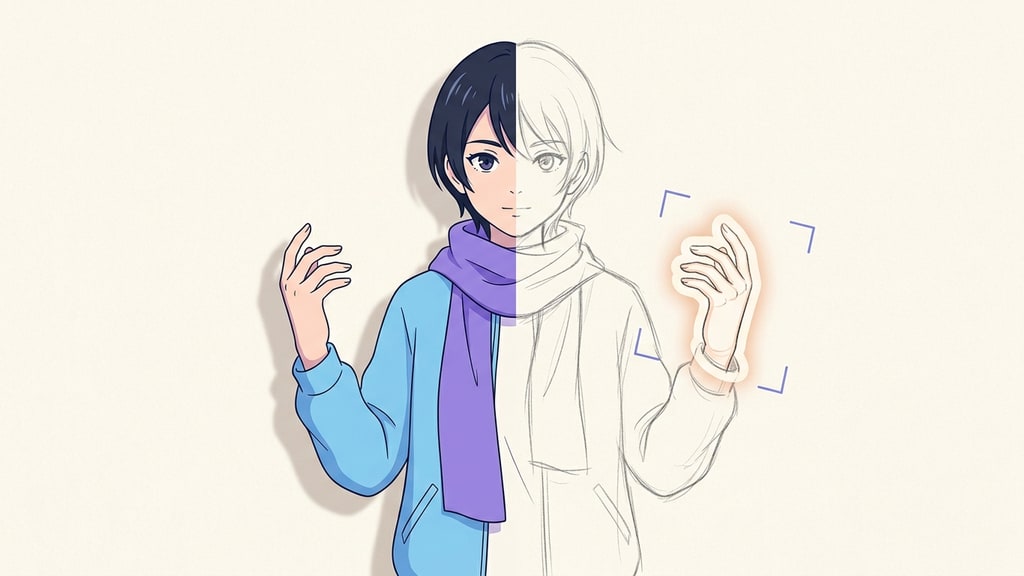
Targeted AI Image Editing: Fix the Pose, Keep the Style
Regenerating an image to fix one flaw usually destroys the rest of it. A targeted edit keeps the original art and changes only what you point at. Here is a practical editing workflow built from inpainting, natural-language edits, and reference transplants.
The Case for Keeping a Legacy Model: Midjourney as an Ideation Engine
Creators usually ditch an image model once a newer one looks better. A Japanese visual magazine team argues the opposite: keep the old model for the strange, half-broken ideas it produces, then clean them up with a modern editing model.

Why AI Tools Exhaust You More Than They Save You
Generative models cut your working time and still leave you drained by the end of the day. The reason is not the hours; much of it is the added cognitive load of checking, sorting, and rejecting output. Here is how AI brain fatigue works, and how to stop it from quietly switching off your own thinking.
Why Your AI Image Composition Misses: Decompose the Prompt, Stop Stacking Adjectives
Adding 'cinematic, masterpiece, 8K' to a prompt makes the frame busier, not more controllable. Composition drift is an articulation problem, not a model problem. A decomposition method for writing images that actually match your intent.

ChatGPT Computer History: A Hands-On Look at the Privacy Settings Before You Enable It
OpenAI's Computer History feature remembers how you work in the Mac ChatGPT app and automates around it. It is opt-in and scoped by app: temporary event files are processed on OpenAI's servers to generate memories, raw data clears within roughly 48 hours, and summary memory stays in local files that Computer History does not encrypt. Relevant memories and interaction events can flow into future chats, which may in turn be used for model improvement under your data controls. What to check before flipping the toggle.
LLM-as-a-Judge: Using One Model to Grade Another (and Where It Falls Apart)
An LLM can grade another model's output against a rubric. The technique catches real failures, and it fails hardest exactly where you expect it to. Here is how it works, what it handles well, and how to adapt it when the thing you are checking is an image.

MiniMax H3 ref2va Turbo LoRA: Four Times Faster With a Different Look
A Turbo LoRA cuts MiniMax H3 ref2va renders from 16 minutes to under 4. The catch is a five-setting workflow change most people miss, a sigma shift that quietly changes your output, and a VRAM bill that goes up, not down.